Find your next classroom resource

Grade 10 Global History II

Explore the resources listed in this collection. Search for a topic, choose a resource type and find a starting point for your next teaching day.

Resources for your classroom

17 resources

Try a free review board →
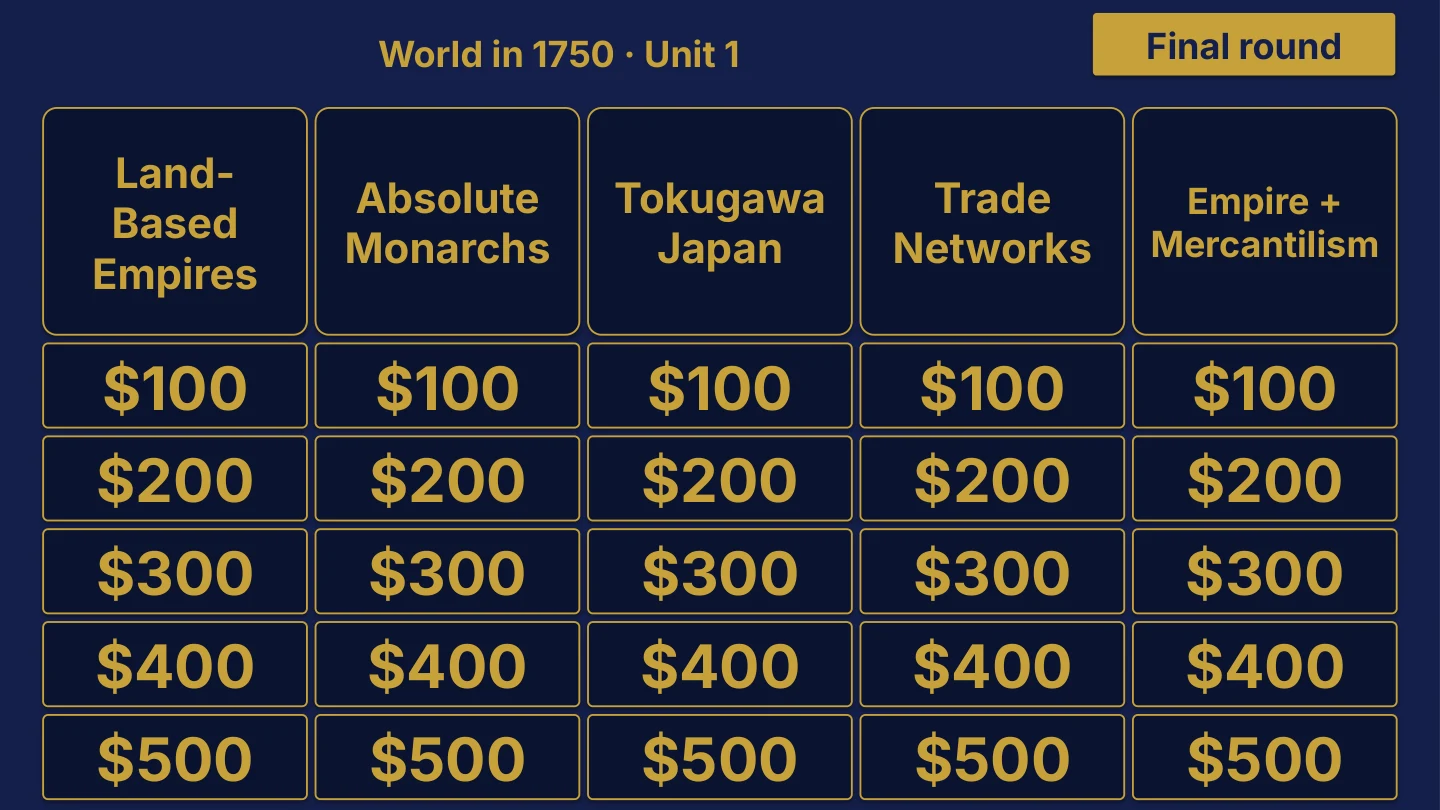
Grade 10 Global History II Unit 1 board menu for World in 1750, with Land-Based Empires, Absolute Monarchs, Tokugawa Japan, Trade Networks and Empire + Mercantilism categories, 25 point tiles from $100 to $500 and a Final round button.
Unit 1 board sample $35

Grade 10 Global History II

16 editable PowerPoint review games

Try World in 1750 in the linked free board.

The title page and board menu do not show questions or answers.

Inside this resource

Grade 10 Global History II collection containing 16 individual Review Board packages, with PowerPoint decks, PDF slide versions, teacher directions and team score sheets.

Contents and setup details
Included materials
  • 16 individual game ZIPs inside the collection download.
  • Each game package includes an editable PPTX slide deck and a PDF slide version.
  • Teacher directions for each game in DOCX and PDF.
  • Team score sheets for each game in DOCX and PDF.
  • The PowerPoint decks include teacher-key slides.
  • A matching free browser game covers Unit 1: World in 1750. It demonstrates one game from the collection.
File formats
  • Digital ZIP download. Unzip the collection to access the individual game ZIPs.
  • PPTX presentation, PDF copies, and DOCX teacher materials.
Editing your files
  • The included directions describe clues, answers, categories and values as editable live text.
  • Edit content in place and keep the existing slide order to preserve the linked navigation.
Software you will need
  • Use presentation software that opens PPTX files for the game deck, a DOCX editor for the teacher materials, and a PDF reader for the PDF copies.
  • The included directions state that the game requires no macros or extra tools to install.
  • The matching browser game can be tried without downloading the PowerPoint files.
Grade and subject
  • Catalog course: Grade 10 Global History II.
  • Included course labels: Grade 10 Global History II.
Getting ready to teach
  • Download and unzip the package. Then unzip the individual game package you want to use.
  • The teacher directions instruct you to open the deck, start the slide show and click the board values.
  • Choose teams, give each team a score sheet, and decide the scoring rules before the first clue.
What has not been confirmed
  • Software: specific application versions and slide-link behavior in alternative presentation apps have not been tested.
  • Preparation: exact setup time, printing time and lesson duration have not been verified.
  • Standards: alignment and coverage have not been confirmed.
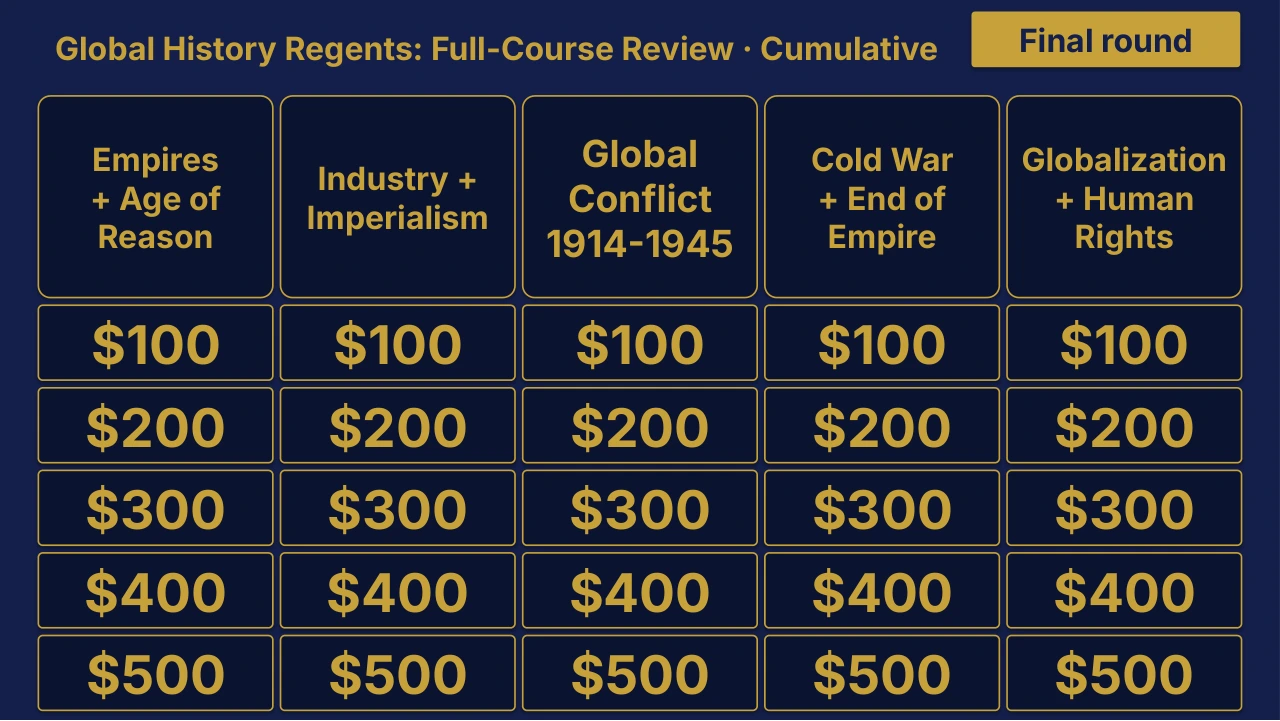
Grade 10 Global History II Cumulative Review | Editable PowerPoint: original menu sample, PDF page 3.
Selected original sample $4

Original menu sample, PDF page 3.

Selected original title page and board menu from this Review Board. Questions and answers are not shown.

Inside this resource

An individual Grade 10 Global History II Cumulative Review Board covering Global History Regents: Full-Course Review. Includes a PowerPoint game and printable PDF materials.

Contents and setup details
Included materials
  • Editable PPTX review game deck and a PDF slide version.
  • Teacher directions in DOCX and PDF.
  • Team score sheet in DOCX and PDF.
  • Board categories: Empires + Enlightenment · Industrialization + Imperialism · Global Conflict 1914-1945 · Cold War + Decolonization · Globalization + Human Rights.
  • The PowerPoint deck includes teacher-key slides.
File formats
  • Digital ZIP download.
  • PPTX presentation, PDF copies, and DOCX teacher materials.
Editing your files
  • The included directions describe clues, answers, categories and values as editable live text.
  • Edit content in place and keep the existing slide order to preserve the linked navigation.
Software you will need
  • Use presentation software that opens PPTX files for the game deck, a DOCX editor for the teacher materials, and a PDF reader for the PDF copies.
  • The included directions state that the game requires no macros or extra tools to install.
Grade and subject
  • Catalog course: Grade 10 Global History II. Unit: Cumulative.
Getting ready to teach
  • Download and unzip the package.
  • The teacher directions instruct you to open the deck, start the slide show and click the board values.
  • Choose teams, give each team a score sheet, and decide the scoring rules before the first clue.
What has not been confirmed
  • Software: specific application versions and slide-link behavior in alternative presentation apps have not been tested.
  • Preparation: exact setup time, printing time and lesson duration have not been verified.
  • Standards: alignment and coverage have not been confirmed.
View selected sample pages →
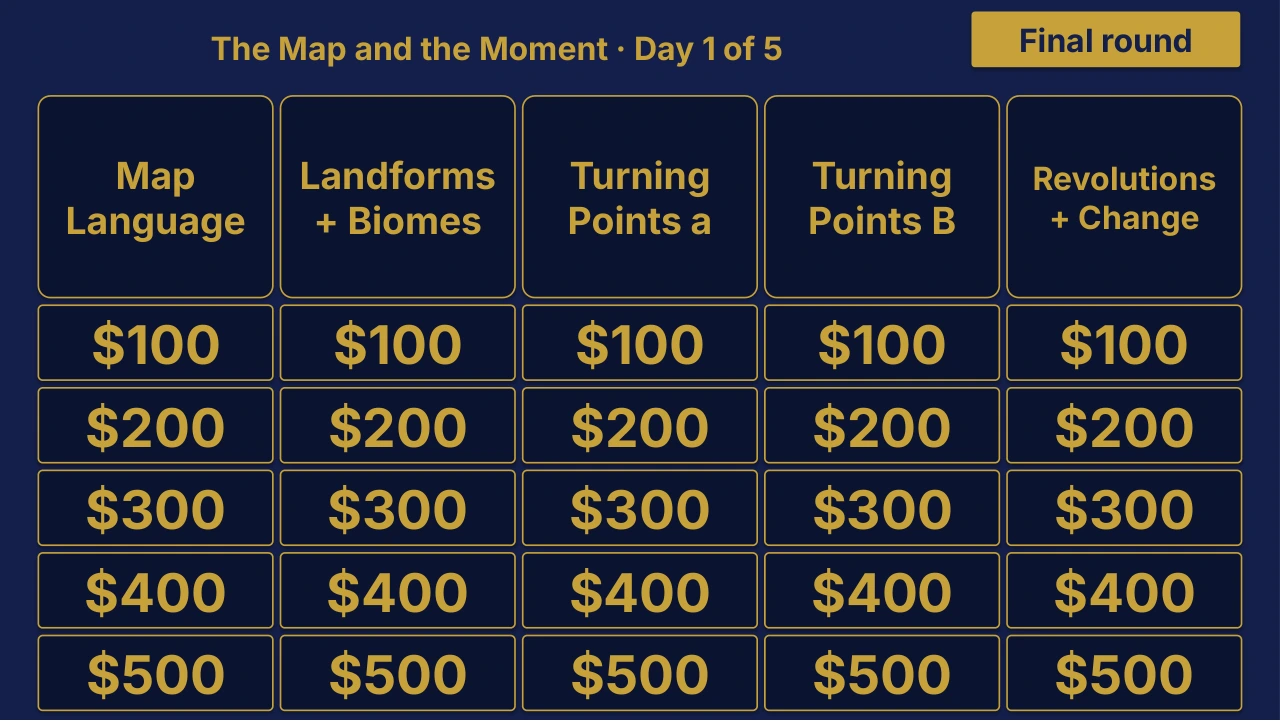
Grade 10 Global History II Day 1 of 5 Review | Editable PowerPoint: original menu sample, PDF page 3.
Selected original sample $4

Original menu sample, PDF page 3.

Selected original title page and board menu from this Review Board. Questions and answers are not shown.

Inside this resource

An individual Grade 10 Global History II Day 1 of 5 Review Board covering The Map and the Moment. Includes a PowerPoint game and printable PDF materials.

Contents and setup details
Included materials
  • Editable PPTX review game deck and a PDF slide version.
  • Teacher directions in DOCX and PDF.
  • Team score sheet in DOCX and PDF.
  • Board categories: Map Language · Landforms + Biomes · Turning Points A · Turning Points B · Revolutions + Modernization.
  • The PowerPoint deck includes teacher-key slides.
File formats
  • Digital ZIP download.
  • PPTX presentation, PDF copies, and DOCX teacher materials.
Editing your files
  • The included directions describe clues, answers, categories and values as editable live text.
  • Edit content in place and keep the existing slide order to preserve the linked navigation.
Software you will need
  • Use presentation software that opens PPTX files for the game deck, a DOCX editor for the teacher materials, and a PDF reader for the PDF copies.
  • The included directions state that the game requires no macros or extra tools to install.
Grade and subject
  • Catalog course: Grade 10 Global History II. Unit: Day 1 of 5.
Getting ready to teach
  • Download and unzip the package.
  • The teacher directions instruct you to open the deck, start the slide show and click the board values.
  • Choose teams, give each team a score sheet, and decide the scoring rules before the first clue.
What has not been confirmed
  • Software: specific application versions and slide-link behavior in alternative presentation apps have not been tested.
  • Preparation: exact setup time, printing time and lesson duration have not been verified.
  • Standards: alignment and coverage have not been confirmed.
View selected sample pages →
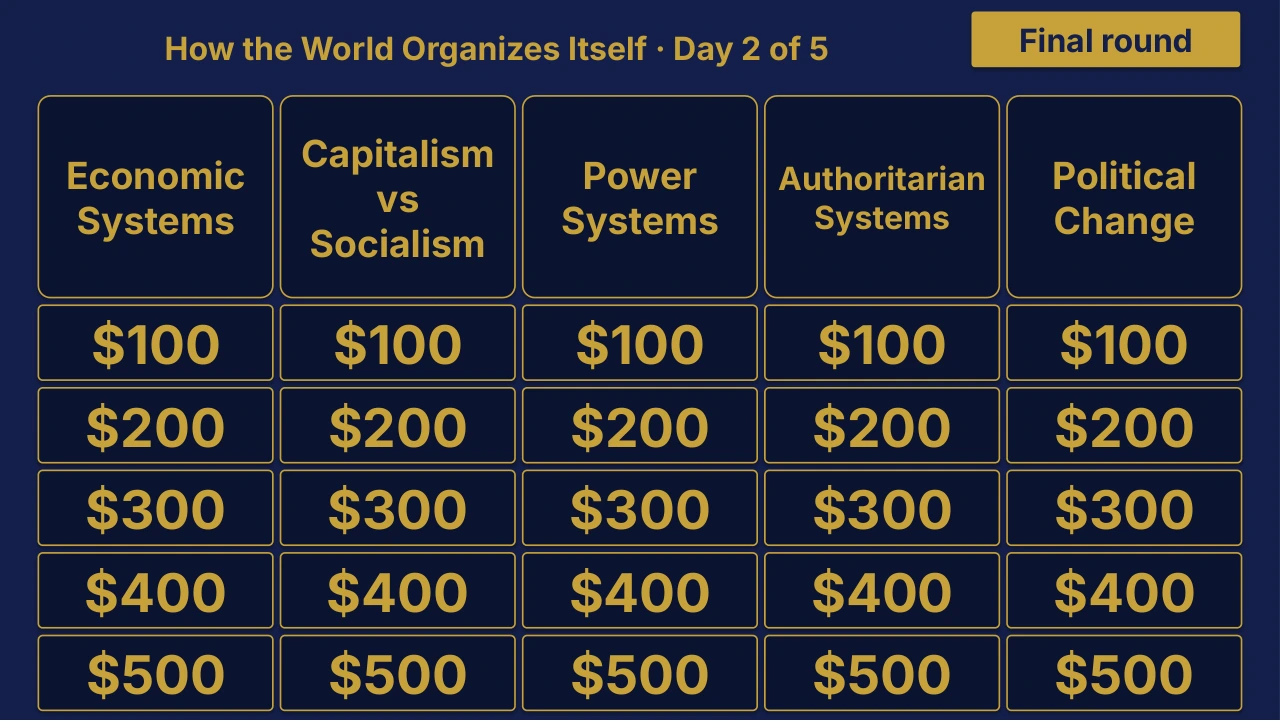
Grade 10 Global History II Day 2 of 5 Review | Editable PowerPoint: original menu sample, PDF page 3.
Selected original sample $4

Original menu sample, PDF page 3.

Selected original title page and board menu from this Review Board. Questions and answers are not shown.

Inside this resource

An individual Grade 10 Global History II Day 2 of 5 Review Board covering How the World Organizes Itself. Includes a PowerPoint game and printable PDF materials.

Contents and setup details
Included materials
  • Editable PPTX review game deck and a PDF slide version.
  • Teacher directions in DOCX and PDF.
  • Team score sheet in DOCX and PDF.
  • Board categories: Economic Systems · Capitalism vs Socialism · Power Systems · Authoritarian Systems · Political Change.
  • The PowerPoint deck includes teacher-key slides.
File formats
  • Digital ZIP download.
  • PPTX presentation, PDF copies, and DOCX teacher materials.
Editing your files
  • The included directions describe clues, answers, categories and values as editable live text.
  • Edit content in place and keep the existing slide order to preserve the linked navigation.
Software you will need
  • Use presentation software that opens PPTX files for the game deck, a DOCX editor for the teacher materials, and a PDF reader for the PDF copies.
  • The included directions state that the game requires no macros or extra tools to install.
Grade and subject
  • Catalog course: Grade 10 Global History II. Unit: Day 2 of 5.
Getting ready to teach
  • Download and unzip the package.
  • The teacher directions instruct you to open the deck, start the slide show and click the board values.
  • Choose teams, give each team a score sheet, and decide the scoring rules before the first clue.
What has not been confirmed
  • Software: specific application versions and slide-link behavior in alternative presentation apps have not been tested.
  • Preparation: exact setup time, printing time and lesson duration have not been verified.
  • Standards: alignment and coverage have not been confirmed.
View selected sample pages →
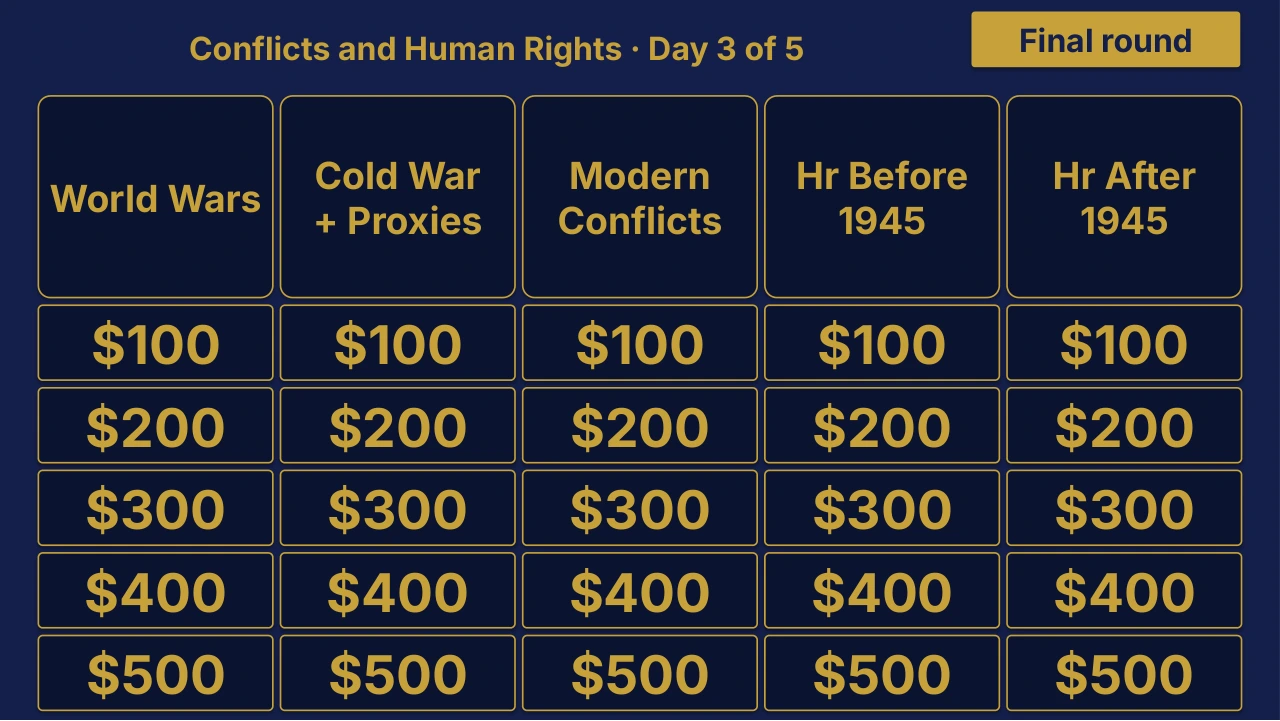
Grade 10 Global History II Day 3 of 5 Review | Editable PowerPoint: original menu sample, PDF page 3.
Selected original sample $4

Original menu sample, PDF page 3.

Selected original title page and board menu from this Review Board. Questions and answers are not shown.

Inside this resource

An individual Grade 10 Global History II Day 3 of 5 Review Board covering Conflicts and Human Rights. Includes a PowerPoint game and printable PDF materials.

Contents and setup details
Included materials
  • Editable PPTX review game deck and a PDF slide version.
  • Teacher directions in DOCX and PDF.
  • Team score sheet in DOCX and PDF.
  • Board categories: World Wars · Cold War + Proxies · Modern Conflicts · HR Before 1945 · HR After 1945.
  • The PowerPoint deck includes teacher-key slides.
File formats
  • Digital ZIP download.
  • PPTX presentation, PDF copies, and DOCX teacher materials.
Editing your files
  • The included directions describe clues, answers, categories and values as editable live text.
  • Edit content in place and keep the existing slide order to preserve the linked navigation.
Software you will need
  • Use presentation software that opens PPTX files for the game deck, a DOCX editor for the teacher materials, and a PDF reader for the PDF copies.
  • The included directions state that the game requires no macros or extra tools to install.
Grade and subject
  • Catalog course: Grade 10 Global History II. Unit: Day 3 of 5.
Getting ready to teach
  • Download and unzip the package.
  • The teacher directions instruct you to open the deck, start the slide show and click the board values.
  • Choose teams, give each team a score sheet, and decide the scoring rules before the first clue.
What has not been confirmed
  • Software: specific application versions and slide-link behavior in alternative presentation apps have not been tested.
  • Preparation: exact setup time, printing time and lesson duration have not been verified.
  • Standards: alignment and coverage have not been confirmed.
View selected sample pages →
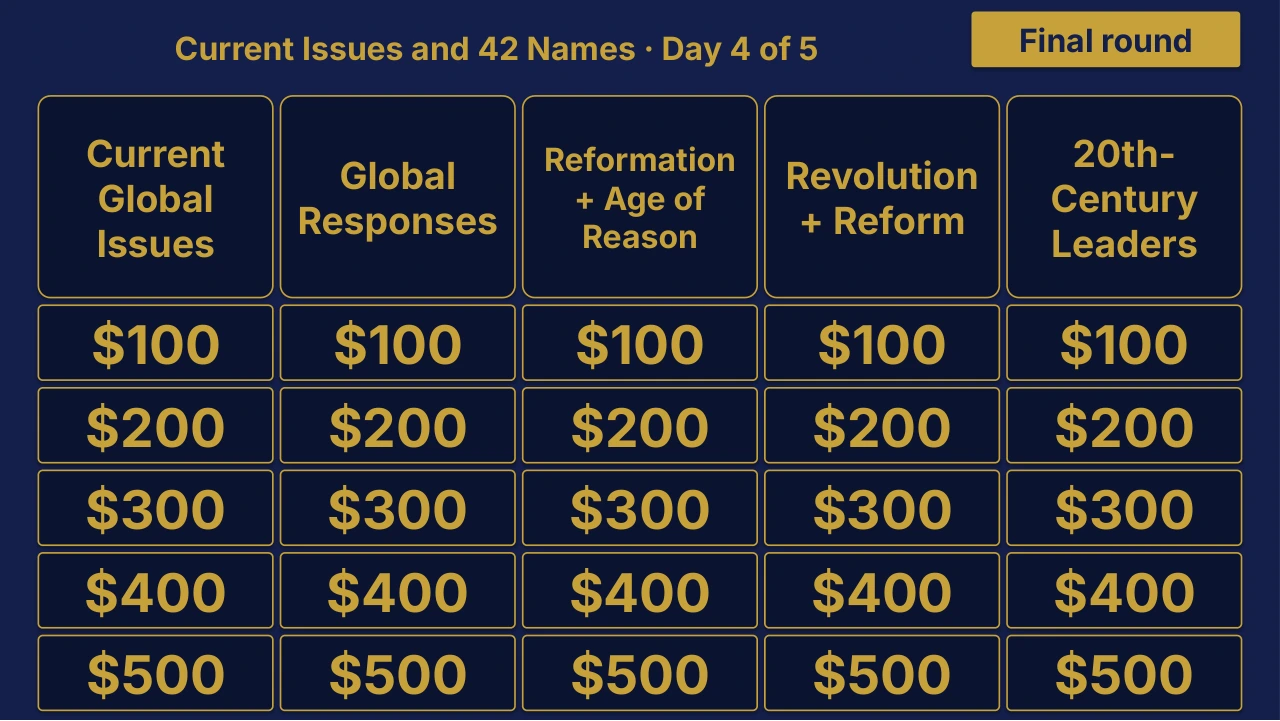
Grade 10 Global History II Day 4 of 5 Review | Editable PowerPoint: original menu sample, PDF page 3.
Selected original sample $4

Original menu sample, PDF page 3.

Selected original title page and board menu from this Review Board. Questions and answers are not shown.

Inside this resource

An individual Grade 10 Global History II Day 4 of 5 Review Board covering Current Issues and 42 Names. Includes a PowerPoint game and printable PDF materials.

Contents and setup details
Included materials
  • Editable PPTX review game deck and a PDF slide version.
  • Teacher directions in DOCX and PDF.
  • Team score sheet in DOCX and PDF.
  • Board categories: Current Global Issues · Global Responses · Reformation + Enlightenment · Revolution + Reform · 20th-Century Leaders.
  • The PowerPoint deck includes teacher-key slides.
File formats
  • Digital ZIP download.
  • PPTX presentation, PDF copies, and DOCX teacher materials.
Editing your files
  • The included directions describe clues, answers, categories and values as editable live text.
  • Edit content in place and keep the existing slide order to preserve the linked navigation.
Software you will need
  • Use presentation software that opens PPTX files for the game deck, a DOCX editor for the teacher materials, and a PDF reader for the PDF copies.
  • The included directions state that the game requires no macros or extra tools to install.
Grade and subject
  • Catalog course: Grade 10 Global History II. Unit: Day 4 of 5.
Getting ready to teach
  • Download and unzip the package.
  • The teacher directions instruct you to open the deck, start the slide show and click the board values.
  • Choose teams, give each team a score sheet, and decide the scoring rules before the first clue.
What has not been confirmed
  • Software: specific application versions and slide-link behavior in alternative presentation apps have not been tested.
  • Preparation: exact setup time, printing time and lesson duration have not been verified.
  • Standards: alignment and coverage have not been confirmed.
View selected sample pages →
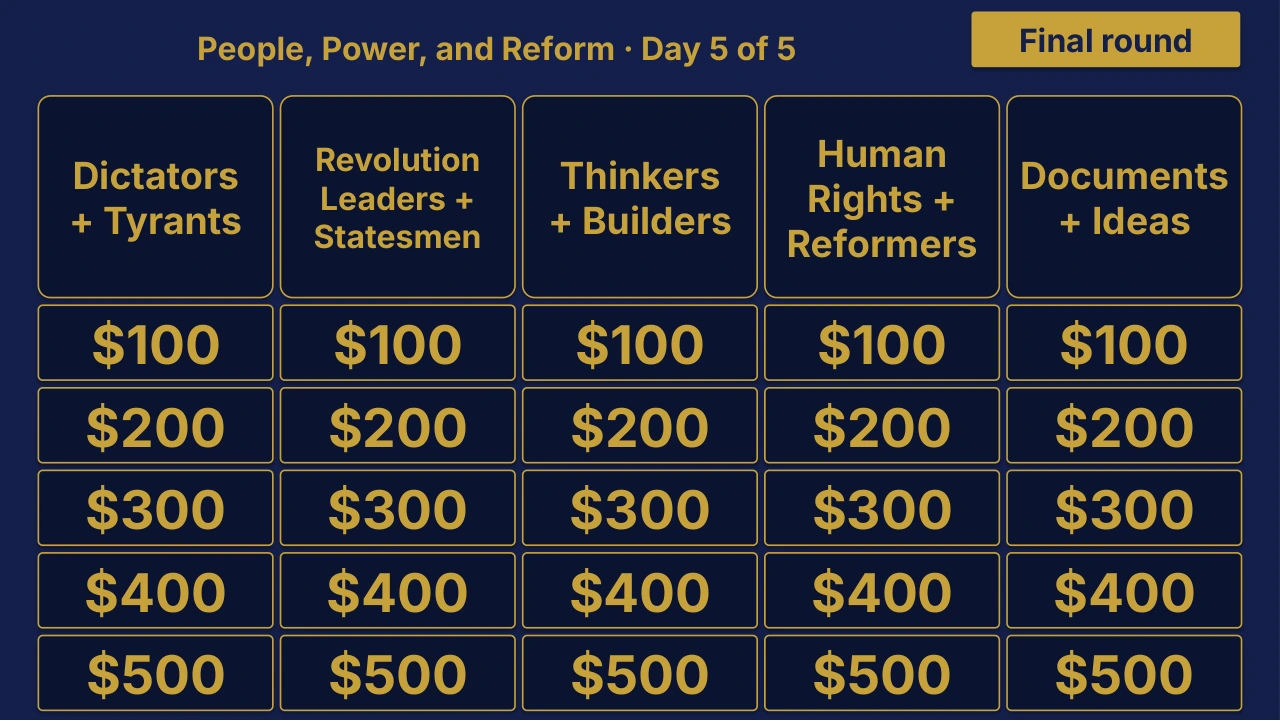
Grade 10 Global History II Day 5 of 5 Review | Editable PowerPoint: original menu sample, PDF page 3.
Selected original sample $4

Original menu sample, PDF page 3.

Selected original title page and board menu from this Review Board. Questions and answers are not shown.

Inside this resource

An individual Grade 10 Global History II Day 5 of 5 Review Board covering People, Power, and Reform. Includes a PowerPoint game and printable PDF materials.

Contents and setup details
Included materials
  • Editable PPTX review game deck and a PDF slide version.
  • Teacher directions in DOCX and PDF.
  • Team score sheet in DOCX and PDF.
  • Board categories: Dictators + Tyrants · Revolutionaries + Statesmen · Thinkers + Builders · Human Rights + Reformers · Documents + Ideas.
  • The PowerPoint deck includes teacher-key slides.
File formats
  • Digital ZIP download.
  • PPTX presentation, PDF copies, and DOCX teacher materials.
Editing your files
  • The included directions describe clues, answers, categories and values as editable live text.
  • Edit content in place and keep the existing slide order to preserve the linked navigation.
Software you will need
  • Use presentation software that opens PPTX files for the game deck, a DOCX editor for the teacher materials, and a PDF reader for the PDF copies.
  • The included directions state that the game requires no macros or extra tools to install.
Grade and subject
  • Catalog course: Grade 10 Global History II. Unit: Day 5 of 5.
Getting ready to teach
  • Download and unzip the package.
  • The teacher directions instruct you to open the deck, start the slide show and click the board values.
  • Choose teams, give each team a score sheet, and decide the scoring rules before the first clue.
What has not been confirmed
  • Software: specific application versions and slide-link behavior in alternative presentation apps have not been tested.
  • Preparation: exact setup time, printing time and lesson duration have not been verified.
  • Standards: alignment and coverage have not been confirmed.
View selected sample pages →
Grade 10 Global History II Unit 1 board menu for World in 1750.
Unit 1 board sample $4

World in 1750

The title page and board menu do not show questions or answers.

Inside this resource

An individual Grade 10 Global History II Unit 1 Review Board covering World in 1750. Includes a PowerPoint game and printable PDF materials.

Contents and setup details
Included materials
  • Editable PPTX review game deck and a PDF slide version.
  • Teacher directions in DOCX and PDF.
  • Team score sheet in DOCX and PDF.
  • Board categories: Land-Based Empires · Absolute Monarchs · Tokugawa Japan · Trade Networks · Empire + Mercantilism.
  • The PowerPoint deck includes teacher-key slides.
  • A matching free browser game covers Unit 1: World in 1750.
File formats
  • Digital ZIP download.
  • PPTX presentation, PDF copies, and DOCX teacher materials.
Editing your files
  • The included directions describe clues, answers, categories and values as editable live text.
  • Edit content in place and keep the existing slide order to preserve the linked navigation.
Software you will need
  • Use presentation software that opens PPTX files for the game deck, a DOCX editor for the teacher materials, and a PDF reader for the PDF copies.
  • The included directions state that the game requires no macros or extra tools to install.
  • The matching browser game can be tried without downloading the PowerPoint files.
Grade and subject
  • Catalog course: Grade 10 Global History II. Unit: Unit 1.
Getting ready to teach
  • Download and unzip the package.
  • The teacher directions instruct you to open the deck, start the slide show and click the board values.
  • Choose teams, give each team a score sheet, and decide the scoring rules before the first clue.
What has not been confirmed
  • Software: specific application versions and slide-link behavior in alternative presentation apps have not been tested.
  • Preparation: exact setup time, printing time and lesson duration have not been verified.
  • Standards: alignment and coverage have not been confirmed.
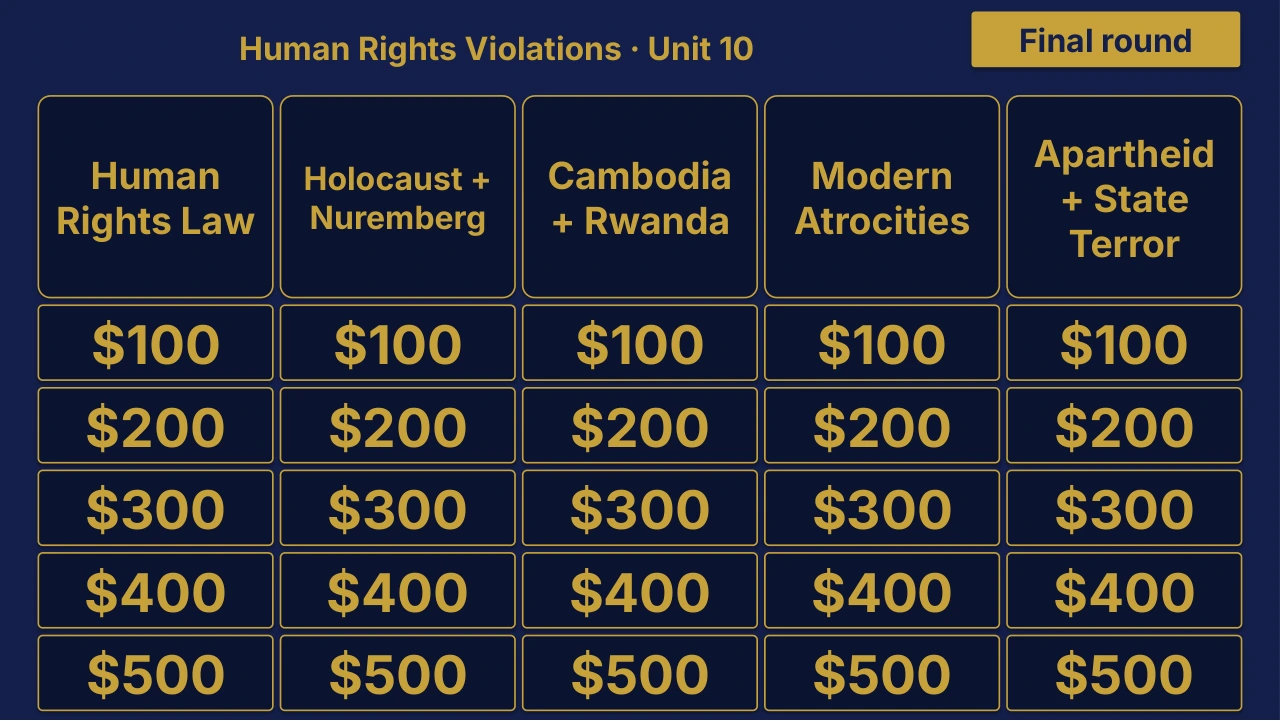
Grade 10 Global History II Unit 10 Review | Editable PowerPoint: original menu sample, PDF page 3.
Selected original sample $4

Original menu sample, PDF page 3.

Selected original title page and board menu from this Review Board. Questions and answers are not shown.

Inside this resource

An individual Grade 10 Global History II Unit 10 Review Board covering Human Rights Violations. Includes a PowerPoint game and printable PDF materials.

Contents and setup details
Included materials
  • Editable PPTX review game deck and a PDF slide version.
  • Teacher directions in DOCX and PDF.
  • Team score sheet in DOCX and PDF.
  • Board categories: Human Rights Law · Holocaust + Nuremberg · Cambodia + Rwanda · Modern Atrocities · Apartheid + State Terror.
  • The PowerPoint deck includes teacher-key slides.
File formats
  • Digital ZIP download.
  • PPTX presentation, PDF copies, and DOCX teacher materials.
Editing your files
  • The included directions describe clues, answers, categories and values as editable live text.
  • Edit content in place and keep the existing slide order to preserve the linked navigation.
Software you will need
  • Use presentation software that opens PPTX files for the game deck, a DOCX editor for the teacher materials, and a PDF reader for the PDF copies.
  • The included directions state that the game requires no macros or extra tools to install.
Grade and subject
  • Catalog course: Grade 10 Global History II. Unit: Unit 10.
Getting ready to teach
  • Download and unzip the package.
  • The teacher directions instruct you to open the deck, start the slide show and click the board values.
  • Choose teams, give each team a score sheet, and decide the scoring rules before the first clue.
What has not been confirmed
  • Software: specific application versions and slide-link behavior in alternative presentation apps have not been tested.
  • Preparation: exact setup time, printing time and lesson duration have not been verified.
  • Standards: alignment and coverage have not been confirmed.
View selected sample pages →
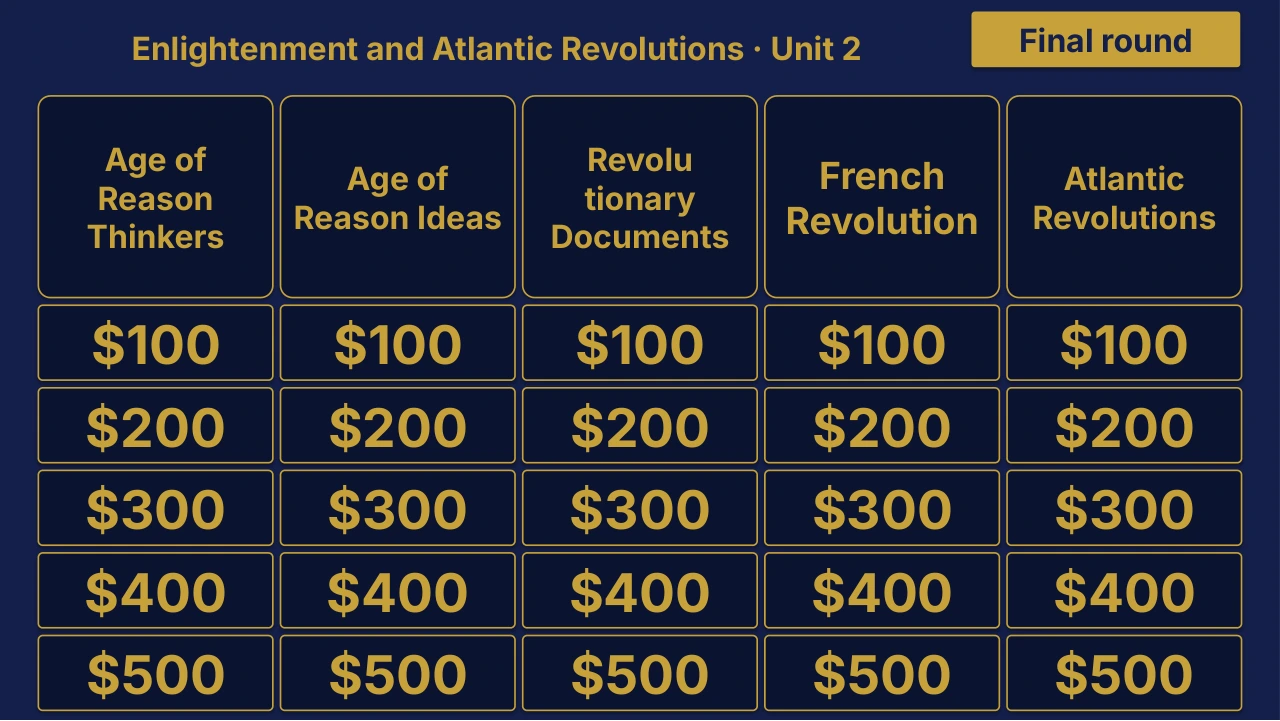
Grade 10 Global History II Unit 2 Review | Editable PowerPoint: original menu sample, PDF page 3.
Selected original sample $4

Original menu sample, PDF page 3.

Selected original title page and board menu from this Review Board. Questions and answers are not shown.

Inside this resource

An individual Grade 10 Global History II Unit 2 Review Board covering Enlightenment and Atlantic Revolutions. Includes a PowerPoint game and printable PDF materials.

Contents and setup details
Included materials
  • Editable PPTX review game deck and a PDF slide version.
  • Teacher directions in DOCX and PDF.
  • Team score sheet in DOCX and PDF.
  • Board categories: Enlightenment Thinkers · Enlightenment Ideas · Revolutionary Documents · French Revolution · Atlantic Revolutions.
  • The PowerPoint deck includes teacher-key slides.
File formats
  • Digital ZIP download.
  • PPTX presentation, PDF copies, and DOCX teacher materials.
Editing your files
  • The included directions describe clues, answers, categories and values as editable live text.
  • Edit content in place and keep the existing slide order to preserve the linked navigation.
Software you will need
  • Use presentation software that opens PPTX files for the game deck, a DOCX editor for the teacher materials, and a PDF reader for the PDF copies.
  • The included directions state that the game requires no macros or extra tools to install.
Grade and subject
  • Catalog course: Grade 10 Global History II. Unit: Unit 2.
Getting ready to teach
  • Download and unzip the package.
  • The teacher directions instruct you to open the deck, start the slide show and click the board values.
  • Choose teams, give each team a score sheet, and decide the scoring rules before the first clue.
What has not been confirmed
  • Software: specific application versions and slide-link behavior in alternative presentation apps have not been tested.
  • Preparation: exact setup time, printing time and lesson duration have not been verified.
  • Standards: alignment and coverage have not been confirmed.
View selected sample pages →
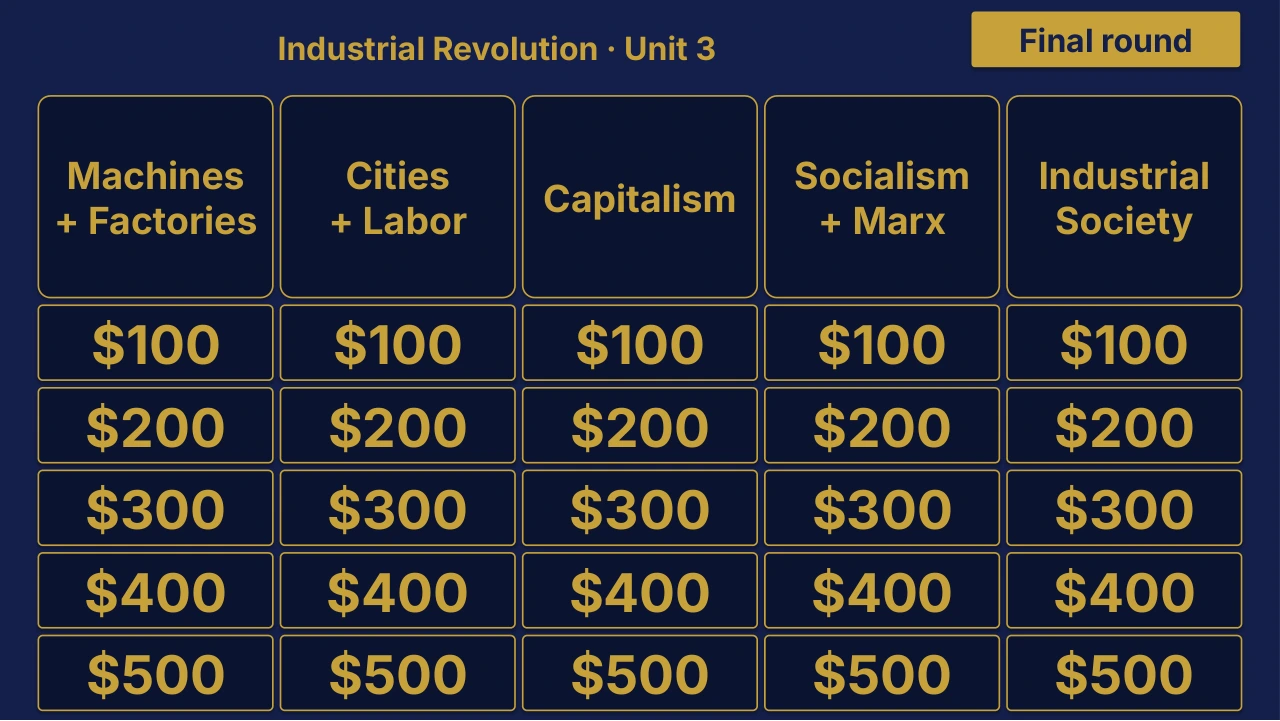
Grade 10 Global History II Unit 3 Review | Editable PowerPoint: original menu sample, PDF page 3.
Selected original sample $4

Original menu sample, PDF page 3.

Selected original title page and board menu from this Review Board. Questions and answers are not shown.

Inside this resource

An individual Grade 10 Global History II Unit 3 Review Board covering Industrial Revolution. Includes a PowerPoint game and printable PDF materials.

Contents and setup details
Included materials
  • Editable PPTX review game deck and a PDF slide version.
  • Teacher directions in DOCX and PDF.
  • Team score sheet in DOCX and PDF.
  • Board categories: Machines + Factories · Cities + Labor · Capitalism · Socialism + Marx · Industrial Society.
  • The PowerPoint deck includes teacher-key slides.
File formats
  • Digital ZIP download.
  • PPTX presentation, PDF copies, and DOCX teacher materials.
Editing your files
  • The included directions describe clues, answers, categories and values as editable live text.
  • Edit content in place and keep the existing slide order to preserve the linked navigation.
Software you will need
  • Use presentation software that opens PPTX files for the game deck, a DOCX editor for the teacher materials, and a PDF reader for the PDF copies.
  • The included directions state that the game requires no macros or extra tools to install.
Grade and subject
  • Catalog course: Grade 10 Global History II. Unit: Unit 3.
Getting ready to teach
  • Download and unzip the package.
  • The teacher directions instruct you to open the deck, start the slide show and click the board values.
  • Choose teams, give each team a score sheet, and decide the scoring rules before the first clue.
What has not been confirmed
  • Software: specific application versions and slide-link behavior in alternative presentation apps have not been tested.
  • Preparation: exact setup time, printing time and lesson duration have not been verified.
  • Standards: alignment and coverage have not been confirmed.
View selected sample pages →
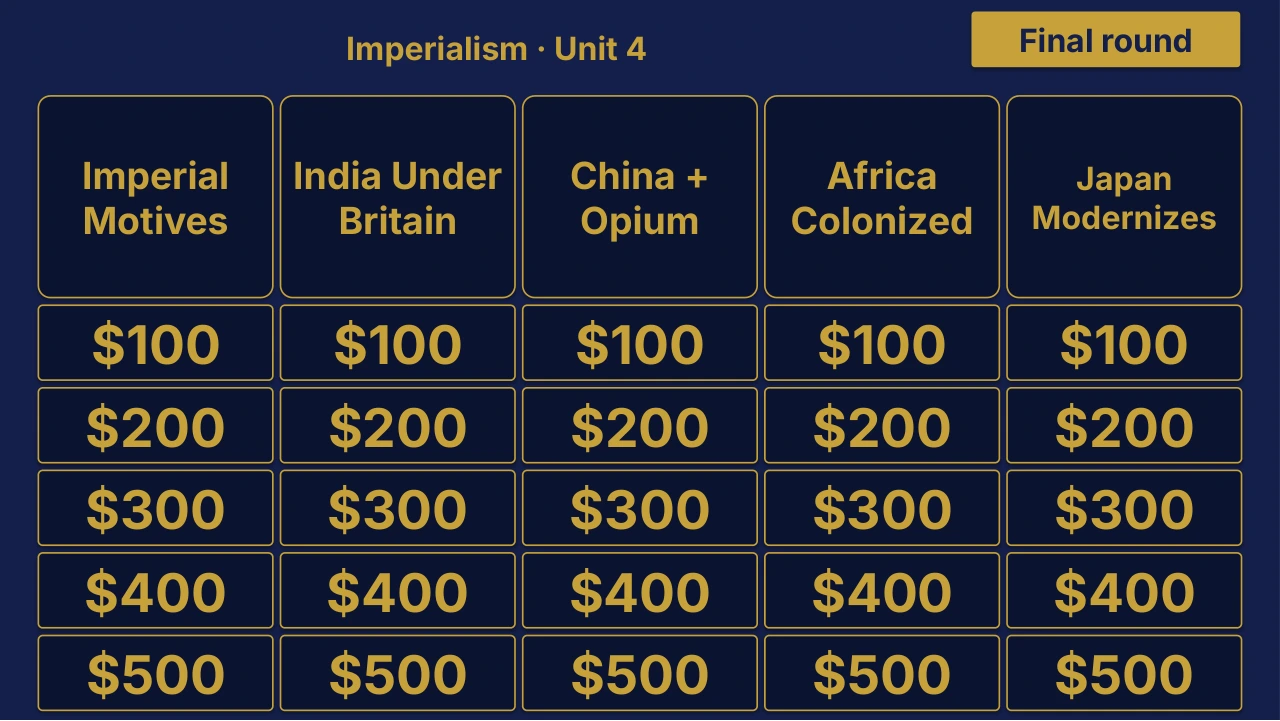
Grade 10 Global History II Unit 4: Imperialism Review | Editable PowerPoint: original menu sample, PDF page 3.
Selected original sample $4

Original menu sample, PDF page 3.

Selected original title page and board menu from this Review Board. Questions and answers are not shown.

Inside this resource

An individual Grade 10 Global History II Unit 4 Review Board covering Imperialism. Includes a PowerPoint game and printable PDF materials.

Contents and setup details
Included materials
  • Editable PPTX review game deck and a PDF slide version.
  • Teacher directions in DOCX and PDF.
  • Team score sheet in DOCX and PDF.
  • Board categories: Imperial Motives · India Under Britain · China + Opium · Africa Colonized · Japan Modernizes.
  • The PowerPoint deck includes teacher-key slides.
File formats
  • Digital ZIP download.
  • PPTX presentation, PDF copies, and DOCX teacher materials.
Editing your files
  • The included directions describe clues, answers, categories and values as editable live text.
  • Edit content in place and keep the existing slide order to preserve the linked navigation.
Software you will need
  • Use presentation software that opens PPTX files for the game deck, a DOCX editor for the teacher materials, and a PDF reader for the PDF copies.
  • The included directions state that the game requires no macros or extra tools to install.
Grade and subject
  • Catalog course: Grade 10 Global History II. Unit: Unit 4.
Getting ready to teach
  • Download and unzip the package.
  • The teacher directions instruct you to open the deck, start the slide show and click the board values.
  • Choose teams, give each team a score sheet, and decide the scoring rules before the first clue.
What has not been confirmed
  • Software: specific application versions and slide-link behavior in alternative presentation apps have not been tested.
  • Preparation: exact setup time, printing time and lesson duration have not been verified.
  • Standards: alignment and coverage have not been confirmed.
View selected sample pages →
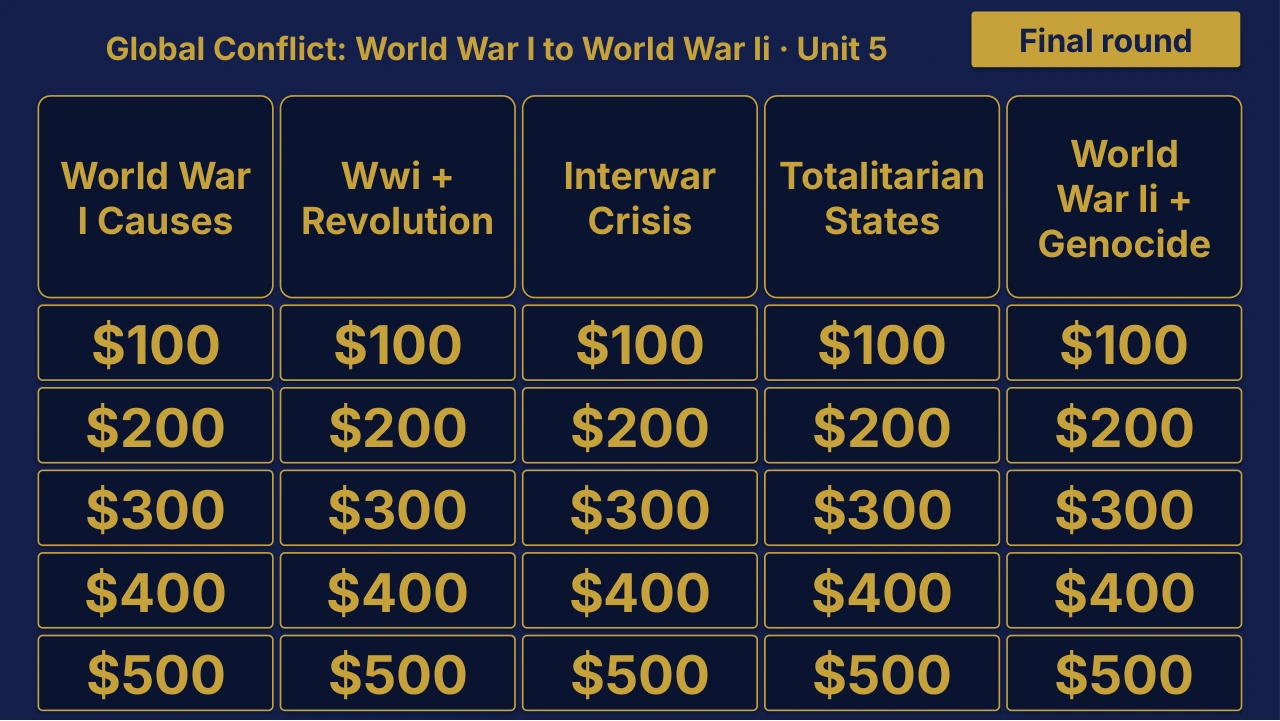
Grade 10 Global History II Unit 5 Review | Editable PowerPoint: original menu sample, PDF page 3.
Selected original sample $4

Original menu sample, PDF page 3.

Selected original title page and board menu from this Review Board. Questions and answers are not shown.

Inside this resource

An individual Grade 10 Global History II Unit 5 Review Board covering Global Conflict: World War I to World War II. Includes a PowerPoint game and printable PDF materials.

Contents and setup details
Included materials
  • Editable PPTX review game deck and a PDF slide version.
  • Teacher directions in DOCX and PDF.
  • Team score sheet in DOCX and PDF.
  • Board categories: World War I Causes · WWI + Revolution · Interwar Crisis · Totalitarian States · World War II + Genocide.
  • The PowerPoint deck includes teacher-key slides.
File formats
  • Digital ZIP download.
  • PPTX presentation, PDF copies, and DOCX teacher materials.
Editing your files
  • The included directions describe clues, answers, categories and values as editable live text.
  • Edit content in place and keep the existing slide order to preserve the linked navigation.
Software you will need
  • Use presentation software that opens PPTX files for the game deck, a DOCX editor for the teacher materials, and a PDF reader for the PDF copies.
  • The included directions state that the game requires no macros or extra tools to install.
Grade and subject
  • Catalog course: Grade 10 Global History II. Unit: Unit 5.
Getting ready to teach
  • Download and unzip the package.
  • The teacher directions instruct you to open the deck, start the slide show and click the board values.
  • Choose teams, give each team a score sheet, and decide the scoring rules before the first clue.
What has not been confirmed
  • Software: specific application versions and slide-link behavior in alternative presentation apps have not been tested.
  • Preparation: exact setup time, printing time and lesson duration have not been verified.
  • Standards: alignment and coverage have not been confirmed.
View selected sample pages →
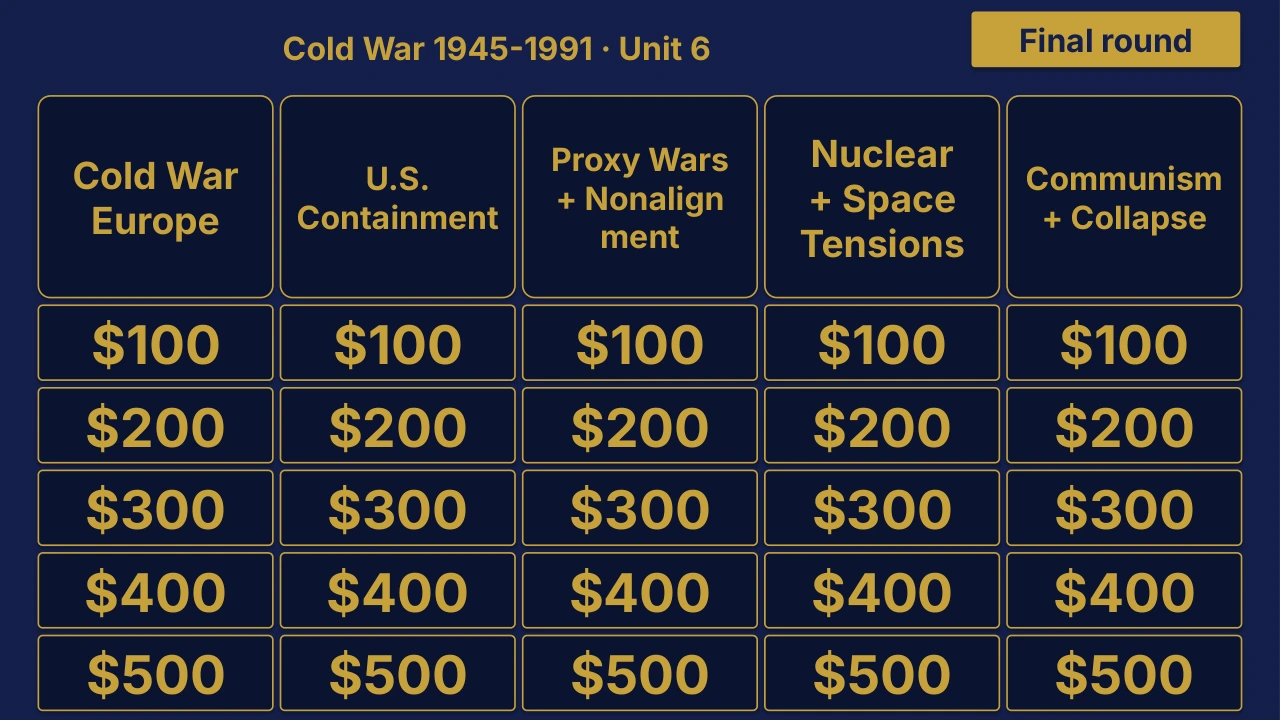
Grade 10 Global History II Unit 6 Review | Editable PowerPoint: original menu sample, PDF page 3.
Selected original sample $4

Original menu sample, PDF page 3.

Selected original title page and board menu from this Review Board. Questions and answers are not shown.

Inside this resource

An individual Grade 10 Global History II Unit 6 Review Board covering Cold War 1945-1991. Includes a PowerPoint game and printable PDF materials.

Contents and setup details
Included materials
  • Editable PPTX review game deck and a PDF slide version.
  • Teacher directions in DOCX and PDF.
  • Team score sheet in DOCX and PDF.
  • Board categories: Cold War Europe · U.S. Containment · Proxy Wars + Nonalignment · Nuclear + Space Tensions · Communism + Collapse.
  • The PowerPoint deck includes teacher-key slides.
File formats
  • Digital ZIP download.
  • PPTX presentation, PDF copies, and DOCX teacher materials.
Editing your files
  • The included directions describe clues, answers, categories and values as editable live text.
  • Edit content in place and keep the existing slide order to preserve the linked navigation.
Software you will need
  • Use presentation software that opens PPTX files for the game deck, a DOCX editor for the teacher materials, and a PDF reader for the PDF copies.
  • The included directions state that the game requires no macros or extra tools to install.
Grade and subject
  • Catalog course: Grade 10 Global History II. Unit: Unit 6.
Getting ready to teach
  • Download and unzip the package.
  • The teacher directions instruct you to open the deck, start the slide show and click the board values.
  • Choose teams, give each team a score sheet, and decide the scoring rules before the first clue.
What has not been confirmed
  • Software: specific application versions and slide-link behavior in alternative presentation apps have not been tested.
  • Preparation: exact setup time, printing time and lesson duration have not been verified.
  • Standards: alignment and coverage have not been confirmed.
View selected sample pages →
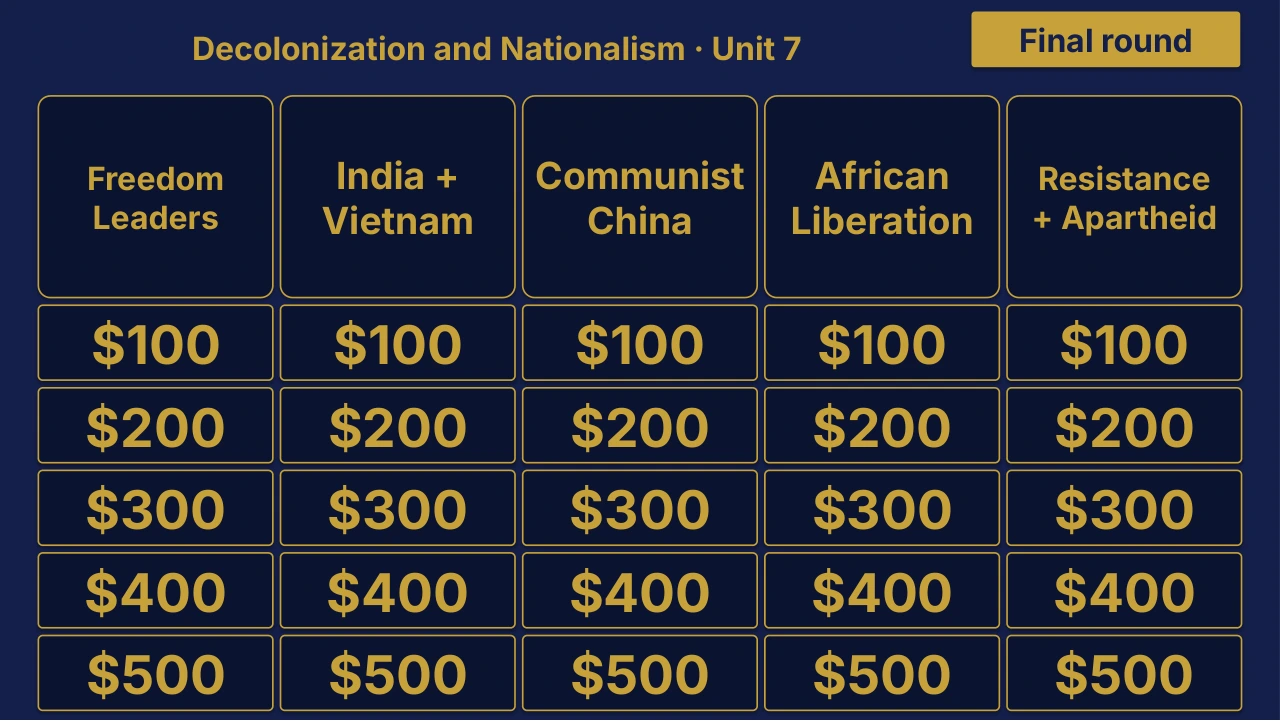
Grade 10 Global History II Unit 7 Review | Editable PowerPoint: original menu sample, PDF page 3.
Selected original sample $4

Original menu sample, PDF page 3.

Selected original title page and board menu from this Review Board. Questions and answers are not shown.

Inside this resource

An individual Grade 10 Global History II Unit 7 Review Board covering Decolonization and Nationalism. Includes a PowerPoint game and printable PDF materials.

Contents and setup details
Included materials
  • Editable PPTX review game deck and a PDF slide version.
  • Teacher directions in DOCX and PDF.
  • Team score sheet in DOCX and PDF.
  • Board categories: Independence Leaders · India + Vietnam · Communist China · African Liberation · Resistance + Apartheid.
  • The PowerPoint deck includes teacher-key slides.
File formats
  • Digital ZIP download.
  • PPTX presentation, PDF copies, and DOCX teacher materials.
Editing your files
  • The included directions describe clues, answers, categories and values as editable live text.
  • Edit content in place and keep the existing slide order to preserve the linked navigation.
Software you will need
  • Use presentation software that opens PPTX files for the game deck, a DOCX editor for the teacher materials, and a PDF reader for the PDF copies.
  • The included directions state that the game requires no macros or extra tools to install.
Grade and subject
  • Catalog course: Grade 10 Global History II. Unit: Unit 7.
Getting ready to teach
  • Download and unzip the package.
  • The teacher directions instruct you to open the deck, start the slide show and click the board values.
  • Choose teams, give each team a score sheet, and decide the scoring rules before the first clue.
What has not been confirmed
  • Software: specific application versions and slide-link behavior in alternative presentation apps have not been tested.
  • Preparation: exact setup time, printing time and lesson duration have not been verified.
  • Standards: alignment and coverage have not been confirmed.
View selected sample pages →
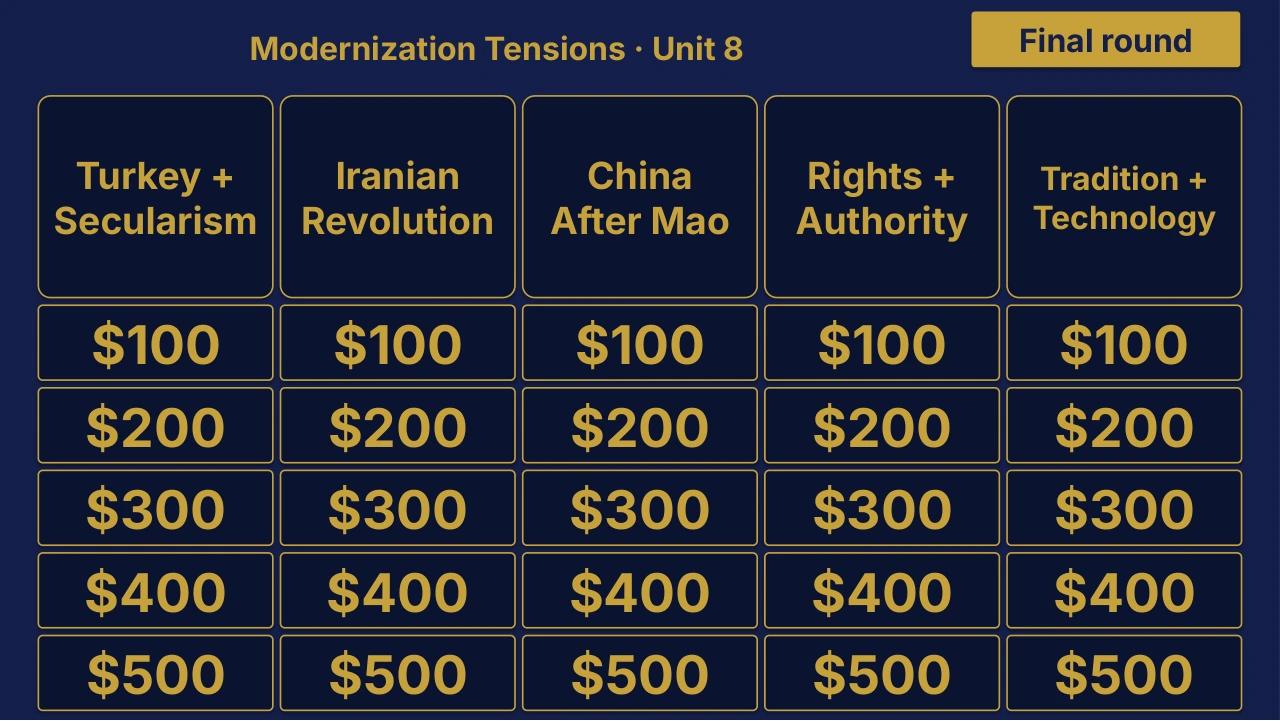
Grade 10 Global History II Unit 8 Review | Editable PowerPoint: original menu sample, PDF page 3.
Selected original sample $4

Original menu sample, PDF page 3.

Selected original title page and board menu from this Review Board. Questions and answers are not shown.

Inside this resource

An individual Grade 10 Global History II Unit 8 Review Board covering Modernization Tensions. Includes a PowerPoint game and printable PDF materials.

Contents and setup details
Included materials
  • Editable PPTX review game deck and a PDF slide version.
  • Teacher directions in DOCX and PDF.
  • Team score sheet in DOCX and PDF.
  • Board categories: Turkey + Secularism · Iranian Revolution · China After Mao · Rights + Authority · Tradition + Technology.
  • The PowerPoint deck includes teacher-key slides.
File formats
  • Digital ZIP download.
  • PPTX presentation, PDF copies, and DOCX teacher materials.
Editing your files
  • The included directions describe clues, answers, categories and values as editable live text.
  • Edit content in place and keep the existing slide order to preserve the linked navigation.
Software you will need
  • Use presentation software that opens PPTX files for the game deck, a DOCX editor for the teacher materials, and a PDF reader for the PDF copies.
  • The included directions state that the game requires no macros or extra tools to install.
Grade and subject
  • Catalog course: Grade 10 Global History II. Unit: Unit 8.
Getting ready to teach
  • Download and unzip the package.
  • The teacher directions instruct you to open the deck, start the slide show and click the board values.
  • Choose teams, give each team a score sheet, and decide the scoring rules before the first clue.
What has not been confirmed
  • Software: specific application versions and slide-link behavior in alternative presentation apps have not been tested.
  • Preparation: exact setup time, printing time and lesson duration have not been verified.
  • Standards: alignment and coverage have not been confirmed.
View selected sample pages →
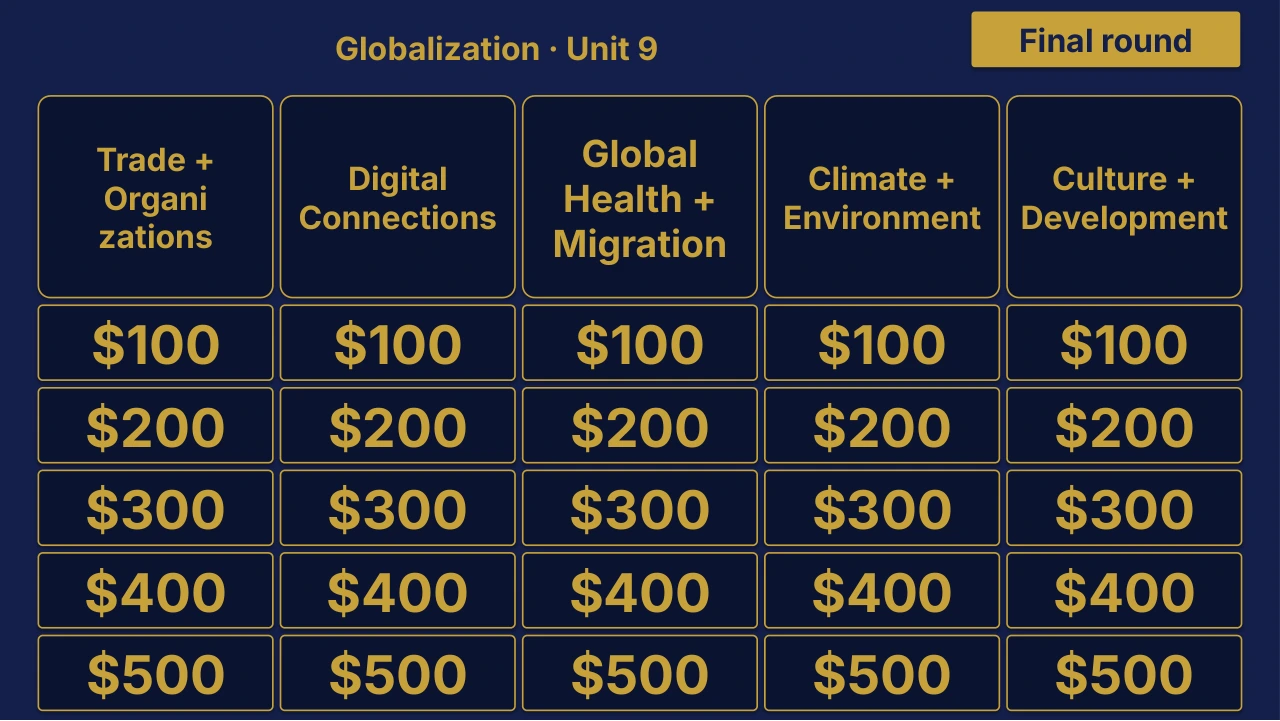
Grade 10 Global History II Unit 9: Globalization Review | Editable PowerPoint: original menu sample, PDF page 3.
Selected original sample $4

Original menu sample, PDF page 3.

Selected original title page and board menu from this Review Board. Questions and answers are not shown.

Inside this resource

An individual Grade 10 Global History II Unit 9 Review Board covering Globalization. Includes a PowerPoint game and printable PDF materials.

Contents and setup details
Included materials
  • Editable PPTX review game deck and a PDF slide version.
  • Teacher directions in DOCX and PDF.
  • Team score sheet in DOCX and PDF.
  • Board categories: Trade + Organizations · Digital Interdependence · Global Health + Migration · Climate + Environment · Culture + Development.
  • The PowerPoint deck includes teacher-key slides.
File formats
  • Digital ZIP download.
  • PPTX presentation, PDF copies, and DOCX teacher materials.
Editing your files
  • The included directions describe clues, answers, categories and values as editable live text.
  • Edit content in place and keep the existing slide order to preserve the linked navigation.
Software you will need
  • Use presentation software that opens PPTX files for the game deck, a DOCX editor for the teacher materials, and a PDF reader for the PDF copies.
  • The included directions state that the game requires no macros or extra tools to install.
Grade and subject
  • Catalog course: Grade 10 Global History II. Unit: Unit 9.
Getting ready to teach
  • Download and unzip the package.
  • The teacher directions instruct you to open the deck, start the slide show and click the board values.
  • Choose teams, give each team a score sheet, and decide the scoring rules before the first clue.
What has not been confirmed
  • Software: specific application versions and slide-link behavior in alternative presentation apps have not been tested.
  • Preparation: exact setup time, printing time and lesson duration have not been verified.
  • Standards: alignment and coverage have not been confirmed.
View selected sample pages →