Find your next classroom resource

Grade 6 Social Studies

Explore the resources listed in this collection. Search for a topic, choose a resource type and find a starting point for your next teaching day.

Resources for your classroom

9 resources

Try a free review board →
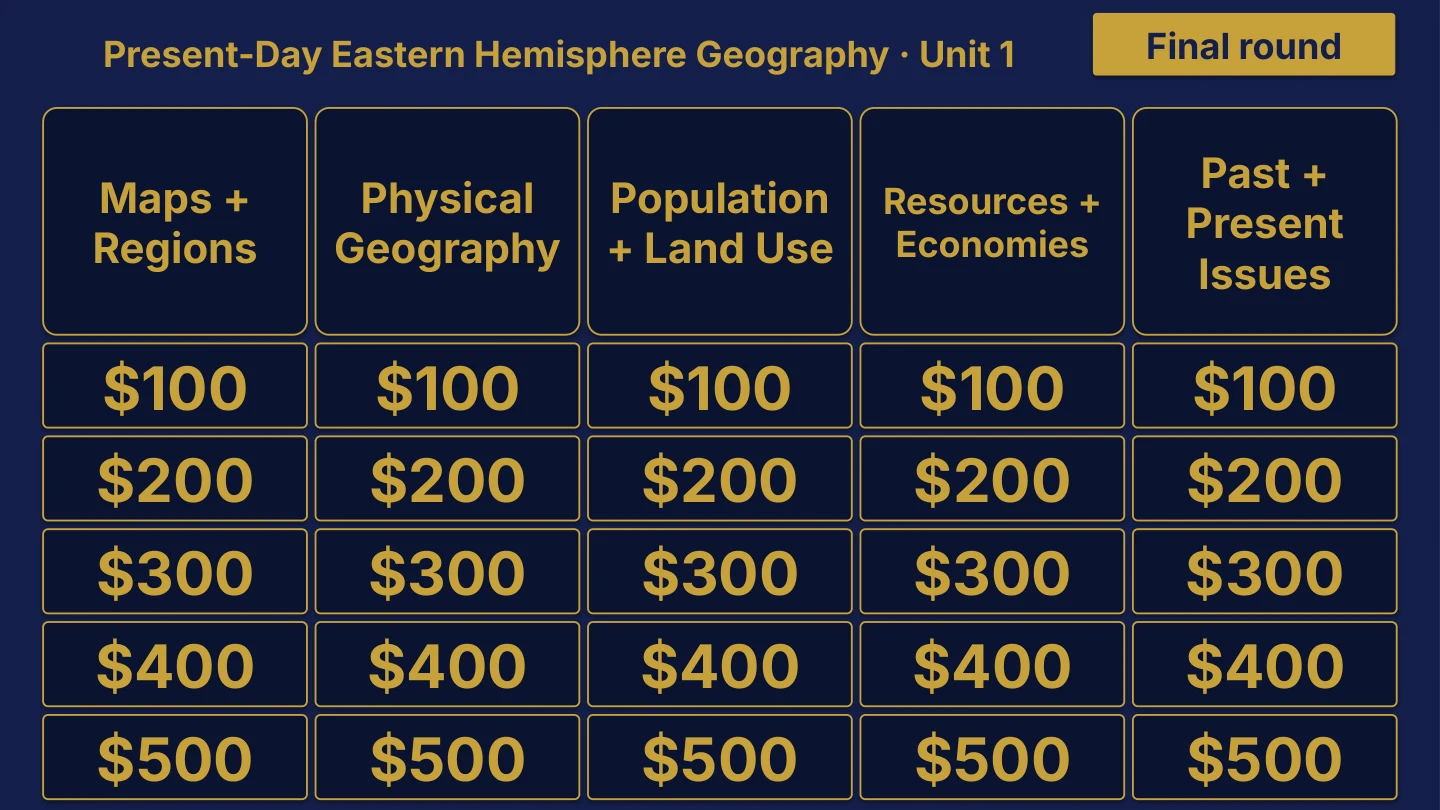
Grade 6 Social Studies Unit 1 board menu for Present-Day Eastern Hemisphere Geography, with Maps + Regions, Physical Geography, Population + Land Use, Resources + Economies and Past + Present Issues categories, 25 point tiles from $100 to $500 and a Final round button.
Unit 1 board sample $29

Grade 6 Social Studies

8 editable PowerPoint review games

Try Present-Day Eastern Hemisphere Geography in the linked free board.

The title page and board menu do not show questions or answers.

Inside this resource

Grade 6 Social Studies collection containing 8 individual Review Board packages, with PowerPoint decks, PDF slide versions, teacher directions and team score sheets.

Contents and setup details
Included materials
  • 8 individual game ZIPs inside the collection download.
  • Each game package includes an editable PPTX slide deck and a PDF slide version.
  • Teacher directions for each game in DOCX and PDF.
  • Team score sheets for each game in DOCX and PDF.
  • The PowerPoint decks include teacher-key slides.
  • A matching free browser game covers Unit 1: Present-Day Eastern Hemisphere Geography. It demonstrates one game from the collection.
File formats
  • Digital ZIP download. Unzip the collection to access the individual game ZIPs.
  • PPTX presentation, PDF copies, and DOCX teacher materials.
Editing your files
  • The included directions describe clues, answers, categories and values as editable live text.
  • Edit content in place and keep the existing slide order to preserve the linked navigation.
Software you will need
  • Use presentation software that opens PPTX files for the game deck, a DOCX editor for the teacher materials, and a PDF reader for the PDF copies.
  • The included directions state that the game requires no macros or extra tools to install.
  • The matching browser game can be tried without downloading the PowerPoint files.
Grade and subject
  • Catalog course: Grade 6 Social Studies.
  • Included course labels: Grade 6 Social Studies.
Getting ready to teach
  • Download and unzip the package. Then unzip the individual game package you want to use.
  • The teacher directions instruct you to open the deck, start the slide show and click the board values.
  • Choose teams, give each team a score sheet, and decide the scoring rules before the first clue.
What has not been confirmed
  • Software: specific application versions and slide-link behavior in alternative presentation apps have not been tested.
  • Preparation: exact setup time, printing time and lesson duration have not been verified.
  • Standards: alignment and coverage have not been confirmed.
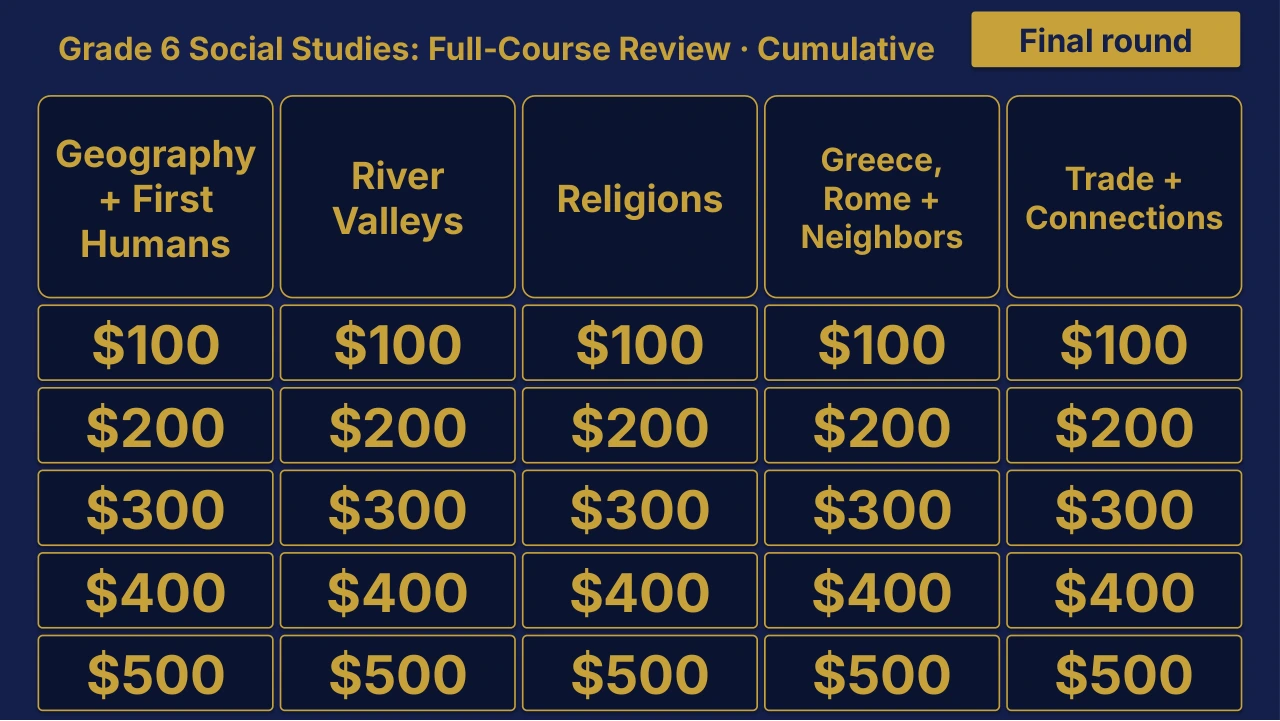
Grade 6 Social Studies Cumulative: Full-Course Review | Editable PowerPoint: original menu sample, PDF page 3.
Selected original sample $4

Original menu sample, PDF page 3.

Selected original title page and board menu from this Review Board. Questions and answers are not shown.

Inside this resource

An individual Grade 6 Social Studies Cumulative Review Board covering Grade 6 Social Studies: Full-Course Review. Includes a PowerPoint game and printable PDF materials.

Contents and setup details
Included materials
  • Editable PPTX review game deck and a PDF slide version.
  • Teacher directions in DOCX and PDF.
  • Team score sheet in DOCX and PDF.
  • Board categories: Geography + First Humans · River Valleys · Religions · Classical + Mediterranean · Trade + Connections.
  • The PowerPoint deck includes teacher-key slides.
File formats
  • Digital ZIP download.
  • PPTX presentation, PDF copies, and DOCX teacher materials.
Editing your files
  • The included directions describe clues, answers, categories and values as editable live text.
  • Edit content in place and keep the existing slide order to preserve the linked navigation.
Software you will need
  • Use presentation software that opens PPTX files for the game deck, a DOCX editor for the teacher materials, and a PDF reader for the PDF copies.
  • The included directions state that the game requires no macros or extra tools to install.
Grade and subject
  • Catalog course: Grade 6 Social Studies. Unit: Cumulative.
Getting ready to teach
  • Download and unzip the package.
  • The teacher directions instruct you to open the deck, start the slide show and click the board values.
  • Choose teams, give each team a score sheet, and decide the scoring rules before the first clue.
What has not been confirmed
  • Software: specific application versions and slide-link behavior in alternative presentation apps have not been tested.
  • Preparation: exact setup time, printing time and lesson duration have not been verified.
  • Standards: alignment and coverage have not been confirmed.
View selected sample pages →
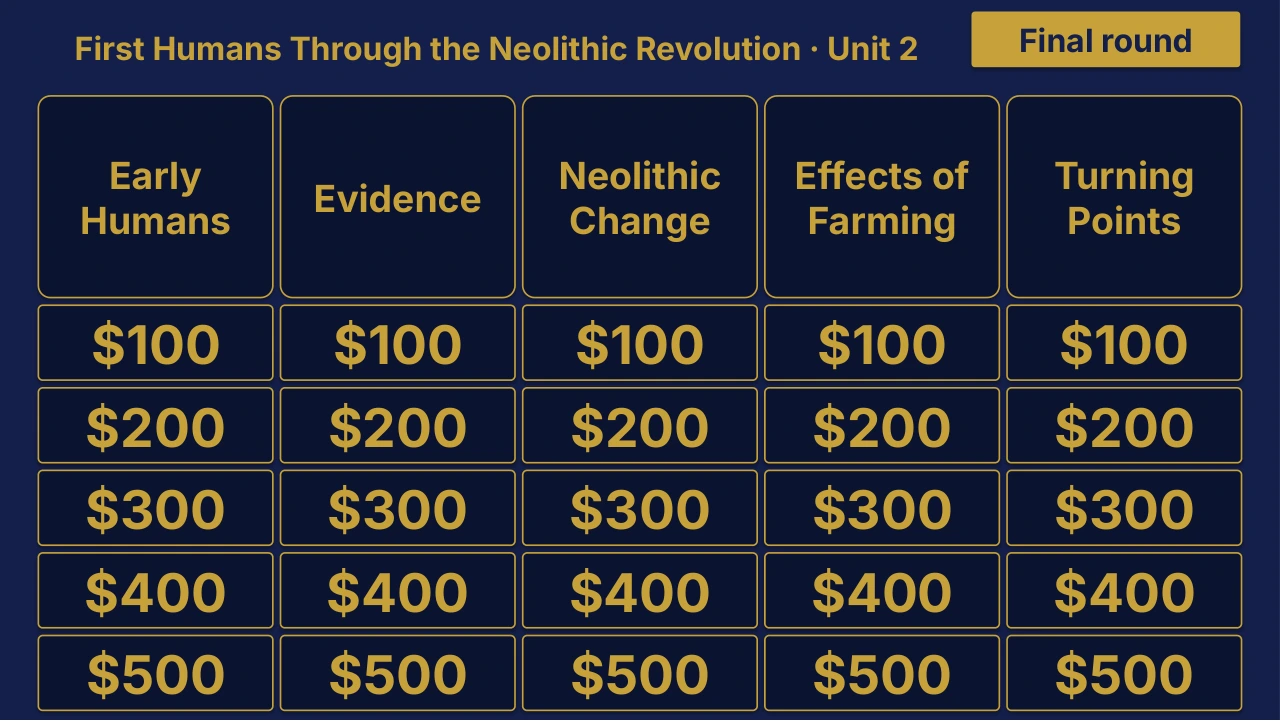
Grade 6 Social Studies Unit 1 board menu for Present-Day Eastern Hemisphere Geography.
Unit 1 board sample $4

Grade 6 Social Studies Unit 1 Review | Editable PowerPoint

Unit 1 · Editable PowerPoint review game

Present-Day Eastern Hemisphere Geography

The title page and board menu do not show questions or answers.

Inside this resource

An individual Grade 6 Social Studies Unit 1 Review Board covering Present-Day Eastern Hemisphere Geography. Includes a PowerPoint game and printable PDF materials.

Contents and setup details
Included materials
  • Editable PPTX review game deck and a PDF slide version.
  • Teacher directions in DOCX and PDF.
  • Team score sheet in DOCX and PDF.
  • Board categories: Maps + Regions · Physical Geography · Population + Land Use · Resources + Economies · Past + Present Issues.
  • The PowerPoint deck includes teacher-key slides.
  • A matching free browser game covers Unit 1: Present-Day Eastern Hemisphere Geography.
File formats
  • Digital ZIP download.
  • PPTX presentation, PDF copies, and DOCX teacher materials.
Editing your files
  • The included directions describe clues, answers, categories and values as editable live text.
  • Edit content in place and keep the existing slide order to preserve the linked navigation.
Software you will need
  • Use presentation software that opens PPTX files for the game deck, a DOCX editor for the teacher materials, and a PDF reader for the PDF copies.
  • The included directions state that the game requires no macros or extra tools to install.
  • The matching browser game can be tried without downloading the PowerPoint files.
Grade and subject
  • Catalog course: Grade 6 Social Studies. Unit: Unit 1.
Getting ready to teach
  • Download and unzip the package.
  • The teacher directions instruct you to open the deck, start the slide show and click the board values.
  • Choose teams, give each team a score sheet, and decide the scoring rules before the first clue.
What has not been confirmed
  • Software: specific application versions and slide-link behavior in alternative presentation apps have not been tested.
  • Preparation: exact setup time, printing time and lesson duration have not been verified.
  • Standards: alignment and coverage have not been confirmed.
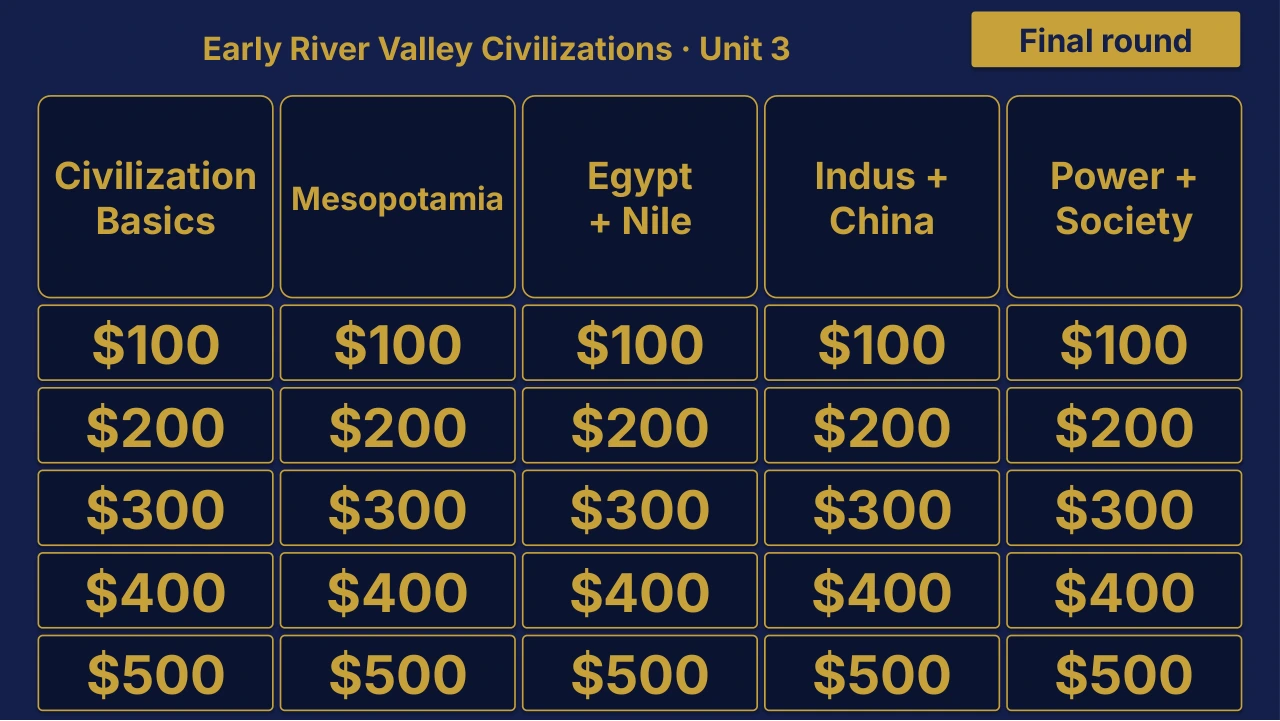
Grade 6 Social Studies Unit 2 Review | Editable PowerPoint: original menu sample, PDF page 3.
Selected original sample $4

Original menu sample, PDF page 3.

Selected original title page and board menu from this Review Board. Questions and answers are not shown.

Inside this resource

An individual Grade 6 Social Studies Unit 2 Review Board covering First Humans Through the Neolithic Revolution. Includes a PowerPoint game and printable PDF materials.

Contents and setup details
Included materials
  • Editable PPTX review game deck and a PDF slide version.
  • Teacher directions in DOCX and PDF.
  • Team score sheet in DOCX and PDF.
  • Board categories: Early Humans · Evidence · Neolithic Change · Effects of Farming · Turning Points.
  • The PowerPoint deck includes teacher-key slides.
File formats
  • Digital ZIP download.
  • PPTX presentation, PDF copies, and DOCX teacher materials.
Editing your files
  • The included directions describe clues, answers, categories and values as editable live text.
  • Edit content in place and keep the existing slide order to preserve the linked navigation.
Software you will need
  • Use presentation software that opens PPTX files for the game deck, a DOCX editor for the teacher materials, and a PDF reader for the PDF copies.
  • The included directions state that the game requires no macros or extra tools to install.
Grade and subject
  • Catalog course: Grade 6 Social Studies. Unit: Unit 2.
Getting ready to teach
  • Download and unzip the package.
  • The teacher directions instruct you to open the deck, start the slide show and click the board values.
  • Choose teams, give each team a score sheet, and decide the scoring rules before the first clue.
What has not been confirmed
  • Software: specific application versions and slide-link behavior in alternative presentation apps have not been tested.
  • Preparation: exact setup time, printing time and lesson duration have not been verified.
  • Standards: alignment and coverage have not been confirmed.
View selected sample pages →
Grade 6 Social Studies Unit 3 Review | Editable PowerPoint: original menu sample, PDF page 3.
Selected original sample $4

Original menu sample, PDF page 3.

Selected original title page and board menu from this Review Board. Questions and answers are not shown.

Inside this resource

An individual Grade 6 Social Studies Unit 3 Review Board covering Early River Valley Civilizations. Includes a PowerPoint game and printable PDF materials.

Contents and setup details
Included materials
  • Editable PPTX review game deck and a PDF slide version.
  • Teacher directions in DOCX and PDF.
  • Team score sheet in DOCX and PDF.
  • Board categories: Civilization Basics · Mesopotamia · Egypt + Nile · Indus + China · Power + Society.
  • The PowerPoint deck includes teacher-key slides.
File formats
  • Digital ZIP download.
  • PPTX presentation, PDF copies, and DOCX teacher materials.
Editing your files
  • The included directions describe clues, answers, categories and values as editable live text.
  • Edit content in place and keep the existing slide order to preserve the linked navigation.
Software you will need
  • Use presentation software that opens PPTX files for the game deck, a DOCX editor for the teacher materials, and a PDF reader for the PDF copies.
  • The included directions state that the game requires no macros or extra tools to install.
Grade and subject
  • Catalog course: Grade 6 Social Studies. Unit: Unit 3.
Getting ready to teach
  • Download and unzip the package.
  • The teacher directions instruct you to open the deck, start the slide show and click the board values.
  • Choose teams, give each team a score sheet, and decide the scoring rules before the first clue.
What has not been confirmed
  • Software: specific application versions and slide-link behavior in alternative presentation apps have not been tested.
  • Preparation: exact setup time, printing time and lesson duration have not been verified.
  • Standards: alignment and coverage have not been confirmed.
View selected sample pages →
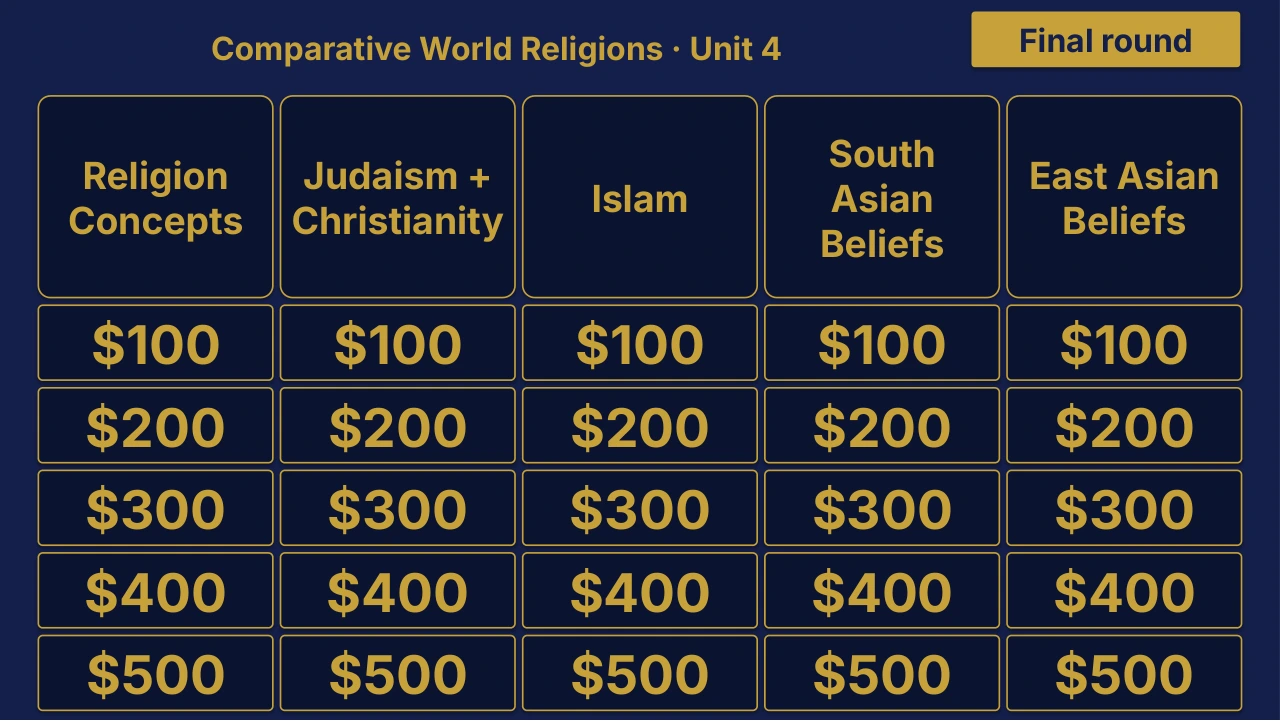
Grade 6 Social Studies Unit 4 Review | Editable PowerPoint: original menu sample, PDF page 3.
Selected original sample $4

Original menu sample, PDF page 3.

Selected original title page and board menu from this Review Board. Questions and answers are not shown.

Inside this resource

An individual Grade 6 Social Studies Unit 4 Review Board covering Comparative World Religions. Includes a PowerPoint game and printable PDF materials.

Contents and setup details
Included materials
  • Editable PPTX review game deck and a PDF slide version.
  • Teacher directions in DOCX and PDF.
  • Team score sheet in DOCX and PDF.
  • Board categories: Religion Concepts · Judaism + Christianity · Islam · South Asian Beliefs · East Asian Beliefs.
  • The PowerPoint deck includes teacher-key slides.
File formats
  • Digital ZIP download.
  • PPTX presentation, PDF copies, and DOCX teacher materials.
Editing your files
  • The included directions describe clues, answers, categories and values as editable live text.
  • Edit content in place and keep the existing slide order to preserve the linked navigation.
Software you will need
  • Use presentation software that opens PPTX files for the game deck, a DOCX editor for the teacher materials, and a PDF reader for the PDF copies.
  • The included directions state that the game requires no macros or extra tools to install.
Grade and subject
  • Catalog course: Grade 6 Social Studies. Unit: Unit 4.
Getting ready to teach
  • Download and unzip the package.
  • The teacher directions instruct you to open the deck, start the slide show and click the board values.
  • Choose teams, give each team a score sheet, and decide the scoring rules before the first clue.
What has not been confirmed
  • Software: specific application versions and slide-link behavior in alternative presentation apps have not been tested.
  • Preparation: exact setup time, printing time and lesson duration have not been verified.
  • Standards: alignment and coverage have not been confirmed.
View selected sample pages →
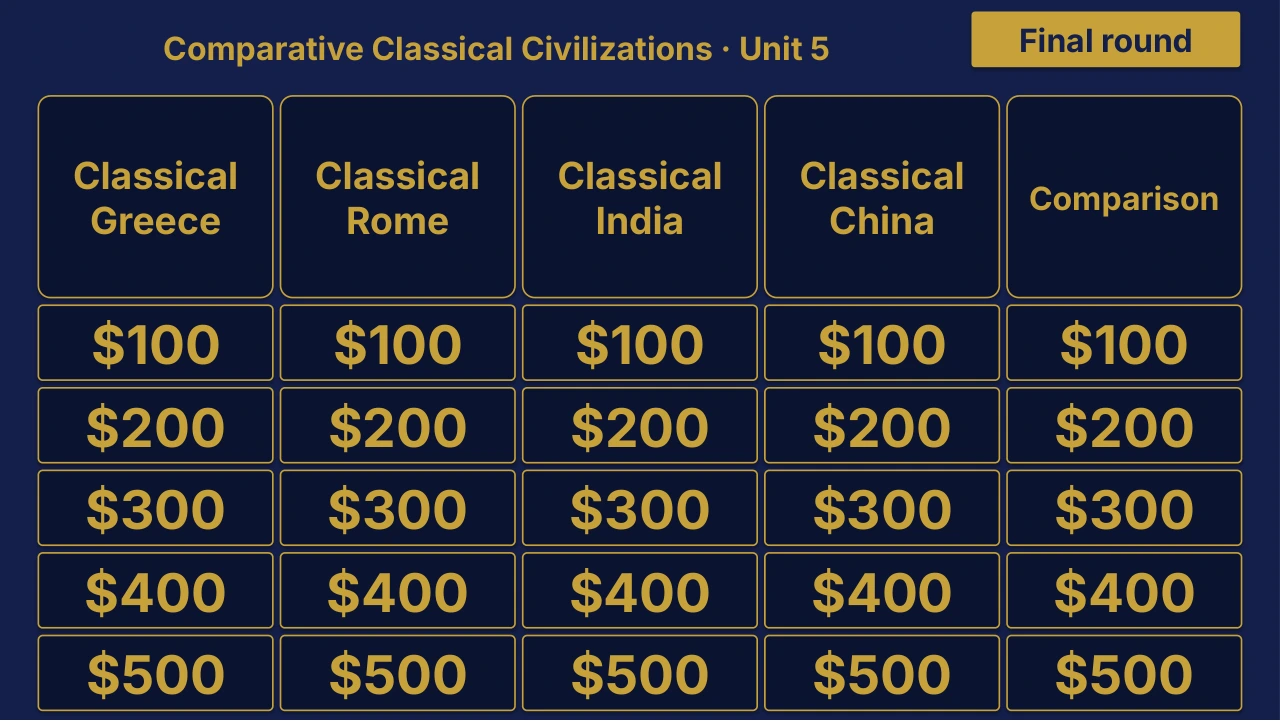
Grade 6 Social Studies Unit 5 Review | Editable PowerPoint: original menu sample, PDF page 3.
Selected original sample $4

Original menu sample, PDF page 3.

Selected original title page and board menu from this Review Board. Questions and answers are not shown.

Inside this resource

An individual Grade 6 Social Studies Unit 5 Review Board covering Comparative Classical Civilizations. Includes a PowerPoint game and printable PDF materials.

Contents and setup details
Included materials
  • Editable PPTX review game deck and a PDF slide version.
  • Teacher directions in DOCX and PDF.
  • Team score sheet in DOCX and PDF.
  • Board categories: Classical Greece · Classical Rome · Classical India · Classical China · Comparison.
  • The PowerPoint deck includes teacher-key slides.
File formats
  • Digital ZIP download.
  • PPTX presentation, PDF copies, and DOCX teacher materials.
Editing your files
  • The included directions describe clues, answers, categories and values as editable live text.
  • Edit content in place and keep the existing slide order to preserve the linked navigation.
Software you will need
  • Use presentation software that opens PPTX files for the game deck, a DOCX editor for the teacher materials, and a PDF reader for the PDF copies.
  • The included directions state that the game requires no macros or extra tools to install.
Grade and subject
  • Catalog course: Grade 6 Social Studies. Unit: Unit 5.
Getting ready to teach
  • Download and unzip the package.
  • The teacher directions instruct you to open the deck, start the slide show and click the board values.
  • Choose teams, give each team a score sheet, and decide the scoring rules before the first clue.
What has not been confirmed
  • Software: specific application versions and slide-link behavior in alternative presentation apps have not been tested.
  • Preparation: exact setup time, printing time and lesson duration have not been verified.
  • Standards: alignment and coverage have not been confirmed.
View selected sample pages →
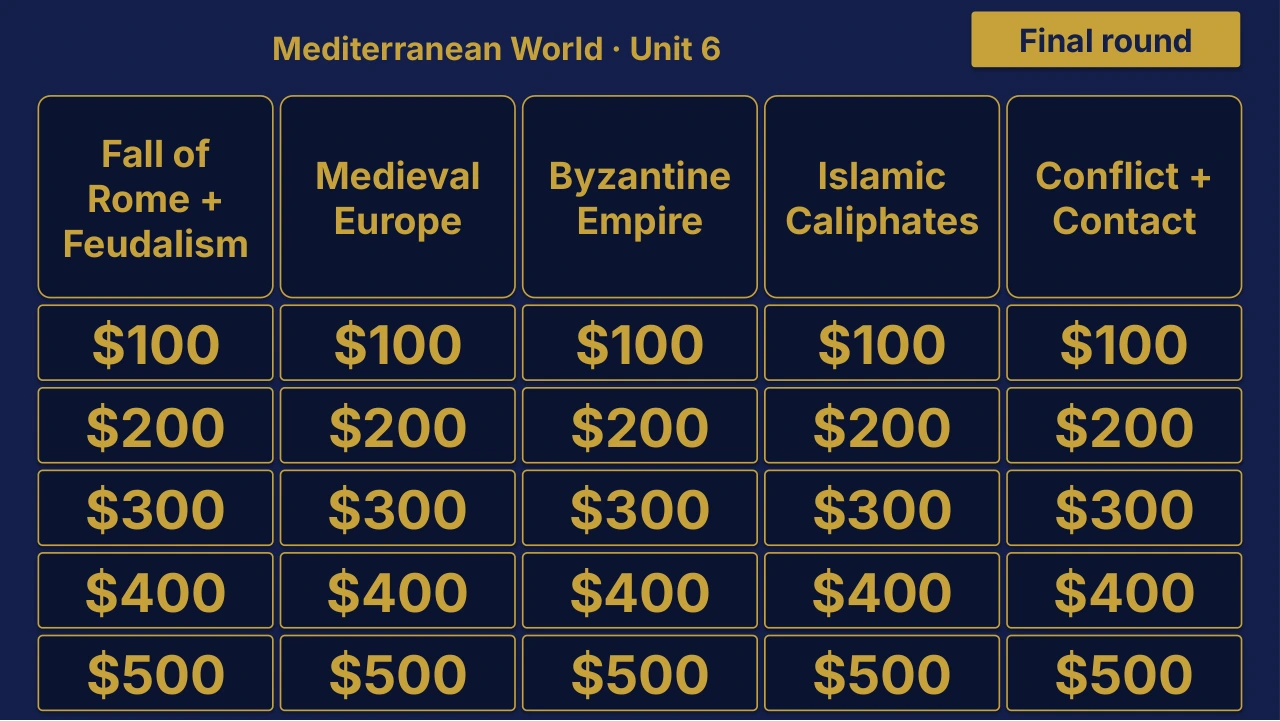
Grade 6 Social Studies Unit 6: Mediterranean World Review | Editable PowerPoint: original menu sample, PDF page 3.
Selected original sample $4

Original menu sample, PDF page 3.

Selected original title page and board menu from this Review Board. Questions and answers are not shown.

Inside this resource

An individual Grade 6 Social Studies Unit 6 Review Board covering Mediterranean World. Includes a PowerPoint game and printable PDF materials.

Contents and setup details
Included materials
  • Editable PPTX review game deck and a PDF slide version.
  • Teacher directions in DOCX and PDF.
  • Team score sheet in DOCX and PDF.
  • Board categories: Fall of Rome + Feudalism · Medieval Europe · Byzantine Empire · Islamic Caliphates · Conflict + Contact.
  • The PowerPoint deck includes teacher-key slides.
File formats
  • Digital ZIP download.
  • PPTX presentation, PDF copies, and DOCX teacher materials.
Editing your files
  • The included directions describe clues, answers, categories and values as editable live text.
  • Edit content in place and keep the existing slide order to preserve the linked navigation.
Software you will need
  • Use presentation software that opens PPTX files for the game deck, a DOCX editor for the teacher materials, and a PDF reader for the PDF copies.
  • The included directions state that the game requires no macros or extra tools to install.
Grade and subject
  • Catalog course: Grade 6 Social Studies. Unit: Unit 6.
Getting ready to teach
  • Download and unzip the package.
  • The teacher directions instruct you to open the deck, start the slide show and click the board values.
  • Choose teams, give each team a score sheet, and decide the scoring rules before the first clue.
What has not been confirmed
  • Software: specific application versions and slide-link behavior in alternative presentation apps have not been tested.
  • Preparation: exact setup time, printing time and lesson duration have not been verified.
  • Standards: alignment and coverage have not been confirmed.
View selected sample pages →
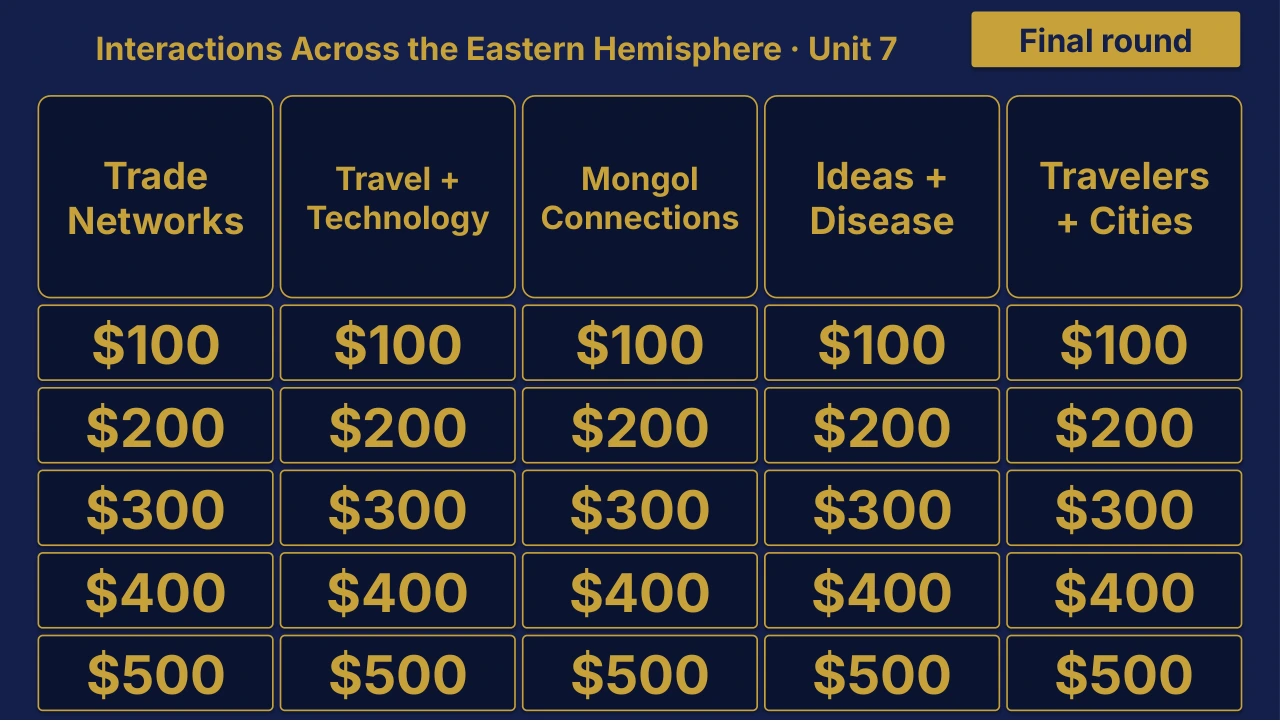
Grade 6 Social Studies Unit 7 Review | Editable PowerPoint: original menu sample, PDF page 3.
Selected original sample $4

Original menu sample, PDF page 3.

Selected original title page and board menu from this Review Board. Questions and answers are not shown.

Inside this resource

An individual Grade 6 Social Studies Unit 7 Review Board covering Interactions Across the Eastern Hemisphere. Includes a PowerPoint game and printable PDF materials.

Contents and setup details
Included materials
  • Editable PPTX review game deck and a PDF slide version.
  • Teacher directions in DOCX and PDF.
  • Team score sheet in DOCX and PDF.
  • Board categories: Trade Networks · Travel + Technology · Mongol Connections · Ideas + Disease · Travelers + Cities.
  • The PowerPoint deck includes teacher-key slides.
File formats
  • Digital ZIP download.
  • PPTX presentation, PDF copies, and DOCX teacher materials.
Editing your files
  • The included directions describe clues, answers, categories and values as editable live text.
  • Edit content in place and keep the existing slide order to preserve the linked navigation.
Software you will need
  • Use presentation software that opens PPTX files for the game deck, a DOCX editor for the teacher materials, and a PDF reader for the PDF copies.
  • The included directions state that the game requires no macros or extra tools to install.
Grade and subject
  • Catalog course: Grade 6 Social Studies. Unit: Unit 7.
Getting ready to teach
  • Download and unzip the package.
  • The teacher directions instruct you to open the deck, start the slide show and click the board values.
  • Choose teams, give each team a score sheet, and decide the scoring rules before the first clue.
What has not been confirmed
  • Software: specific application versions and slide-link behavior in alternative presentation apps have not been tested.
  • Preparation: exact setup time, printing time and lesson duration have not been verified.
  • Standards: alignment and coverage have not been confirmed.
View selected sample pages →