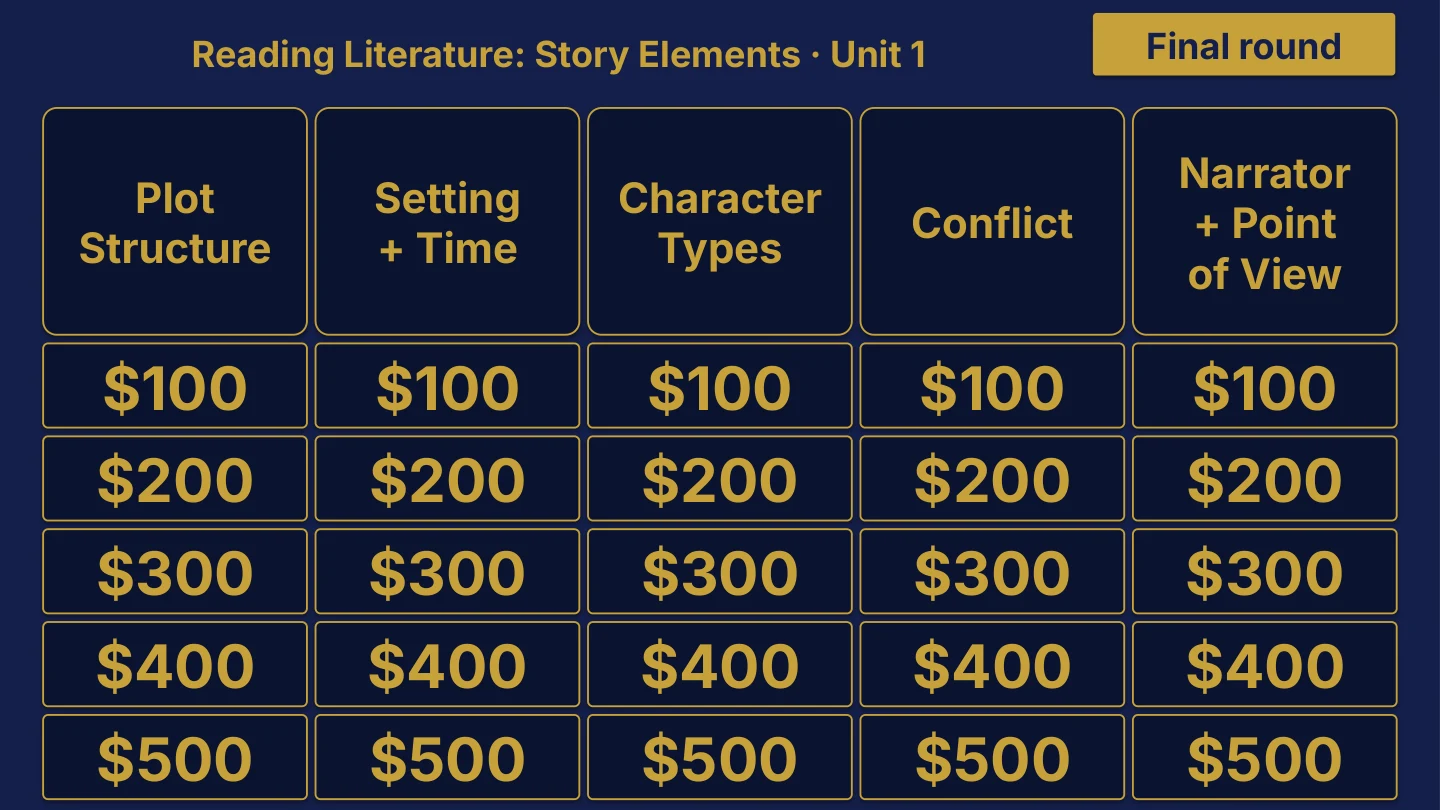
Original menu sample, PDF page 3.
Representative included game: Grade 6 ELA Unit 1. Title page and board menu only. Other games in this collection are not shown.
Inside this resource
Grade 6 collection containing 29 individual Review Board packages, with PowerPoint decks, PDF slide versions, teacher directions and team score sheets.
Contents and setup details
- Included materials
- 29 individual game ZIPs inside the collection download.
- Each game package includes an editable PPTX slide deck and a PDF slide version.
- Teacher directions for each game in DOCX and PDF.
- Team score sheets for each game in DOCX and PDF.
- The PowerPoint decks include teacher-key slides.
- File formats
- Digital ZIP download. Unzip the collection to access the individual game ZIPs.
- PPTX presentation, PDF copies, and DOCX teacher materials.
- Editing your files
- The included directions describe clues, answers, categories and values as editable live text.
- Edit content in place and keep the existing slide order to preserve the linked navigation.
- Software you will need
- Use presentation software that opens PPTX files for the game deck, a DOCX editor for the teacher materials, and a PDF reader for the PDF copies.
- The included directions state that the game requires no macros or extra tools to install.
- Grade and subject
- Catalog course: Grade 6.
- Included course labels: Grade 6 ELA; Grade 6 Math; Grade 6 Science; Grade 6 Social Studies.
- Getting ready to teach
- Download and unzip the package. Then unzip the individual game package you want to use.
- The teacher directions instruct you to open the deck, start the slide show and click the board values.
- Choose teams, give each team a score sheet, and decide the scoring rules before the first clue.
What has not been confirmed
- Software: specific application versions and slide-link behavior in alternative presentation apps have not been tested.
- Preparation: exact setup time, printing time and lesson duration have not been verified.
- Standards: alignment and coverage have not been confirmed.