Find your next classroom resource

Grade 8 Math

Explore the resources listed in this collection. Search for a topic, choose a resource type and find a starting point for your next teaching day.

Resources for your classroom

8 resources

Try a free review board →
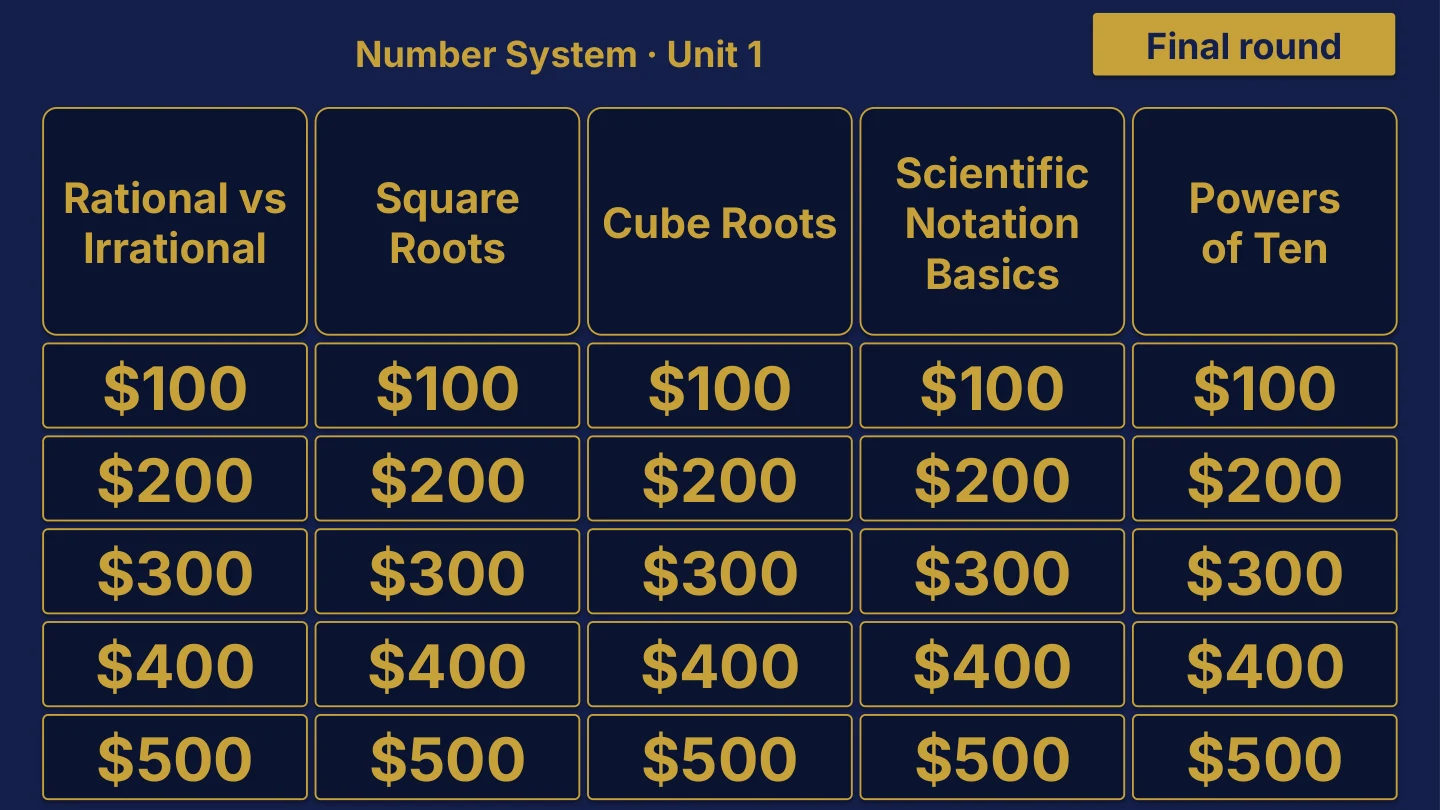
Grade 8 Math Unit 1 board menu for Number System, with Rational vs Irrational, Square Roots, Cube Roots, Scientific Notation Basics and Powers of Ten categories, 25 point tiles from $100 to $500 and a Final round button.
Unit 1 board sample $29

Grade 8 Math

7 editable PowerPoint review games

Try Number System in the linked free board.

The title page and board menu do not show questions or answers.

Inside this resource

Grade 8 Math collection containing 7 individual Review Board packages, with PowerPoint decks, PDF slide versions, teacher directions and team score sheets.

Contents and setup details
Included materials
  • 7 individual game ZIPs inside the collection download.
  • Each game package includes an editable PPTX slide deck and a PDF slide version.
  • Teacher directions for each game in DOCX and PDF.
  • Team score sheets for each game in DOCX and PDF.
  • The PowerPoint decks include teacher-key slides.
  • A matching free browser game covers Unit 1: Number System. It demonstrates one game from the collection.
File formats
  • Digital ZIP download. Unzip the collection to access the individual game ZIPs.
  • PPTX presentation, PDF copies, and DOCX teacher materials.
Editing your files
  • The included directions describe clues, answers, categories and values as editable live text.
  • Edit content in place and keep the existing slide order to preserve the linked navigation.
Software you will need
  • Use presentation software that opens PPTX files for the game deck, a DOCX editor for the teacher materials, and a PDF reader for the PDF copies.
  • The included directions state that the game requires no macros or extra tools to install.
  • The matching browser game can be tried without downloading the PowerPoint files.
Grade and subject
  • Catalog course: Grade 8 Math.
  • Included course labels: Grade 8 Math.
Getting ready to teach
  • Download and unzip the package. Then unzip the individual game package you want to use.
  • The teacher directions instruct you to open the deck, start the slide show and click the board values.
  • Choose teams, give each team a score sheet, and decide the scoring rules before the first clue.
What has not been confirmed
  • Software: specific application versions and slide-link behavior in alternative presentation apps have not been tested.
  • Preparation: exact setup time, printing time and lesson duration have not been verified.
  • Standards: alignment and coverage have not been confirmed.
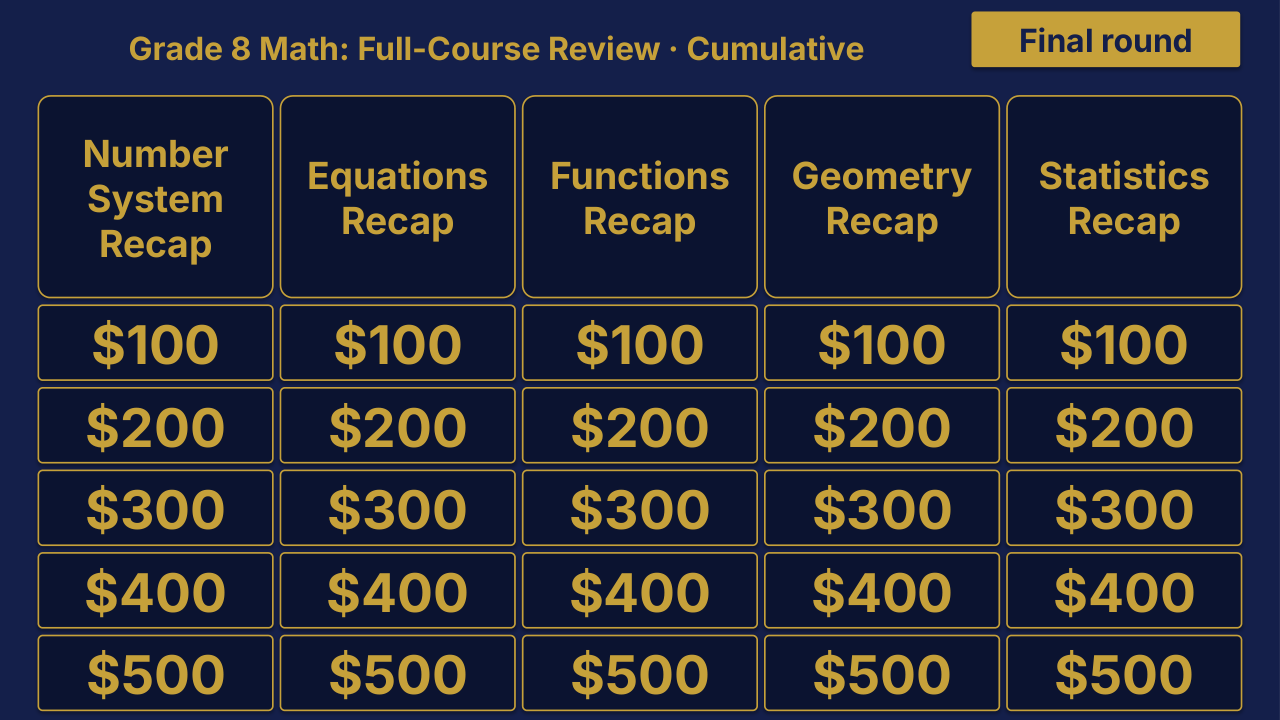
Grade 8 Math Cumulative: Full-Course Review | Editable PowerPoint: original menu sample, PDF page 3.
Selected original sample $4

Original menu sample, PDF page 3.

Selected original title page and board menu from this Review Board. Questions and answers are not shown.

Inside this resource

An individual Grade 8 Math Cumulative Review Board covering Grade 8 Math: Full-Course Review. Includes a PowerPoint game and printable PDF materials.

Contents and setup details
Included materials
  • Editable PPTX review game deck and a PDF slide version.
  • Teacher directions in DOCX and PDF.
  • Team score sheet in DOCX and PDF.
  • Board categories: Number System Recap · Equations Recap · Functions Recap · Geometry Recap · Statistics Recap.
  • The PowerPoint deck includes teacher-key slides.
File formats
  • Digital ZIP download.
  • PPTX presentation, PDF copies, and DOCX teacher materials.
Editing your files
  • The included directions describe clues, answers, categories and values as editable live text.
  • Edit content in place and keep the existing slide order to preserve the linked navigation.
Software you will need
  • Use presentation software that opens PPTX files for the game deck, a DOCX editor for the teacher materials, and a PDF reader for the PDF copies.
  • The included directions state that the game requires no macros or extra tools to install.
Grade and subject
  • Catalog course: Grade 8 Math. Unit: Cumulative.
Getting ready to teach
  • Download and unzip the package.
  • The teacher directions instruct you to open the deck, start the slide show and click the board values.
  • Choose teams, give each team a score sheet, and decide the scoring rules before the first clue.
What has not been confirmed
  • Software: specific application versions and slide-link behavior in alternative presentation apps have not been tested.
  • Preparation: exact setup time, printing time and lesson duration have not been verified.
  • Standards: alignment and coverage have not been confirmed.
View selected sample pages →
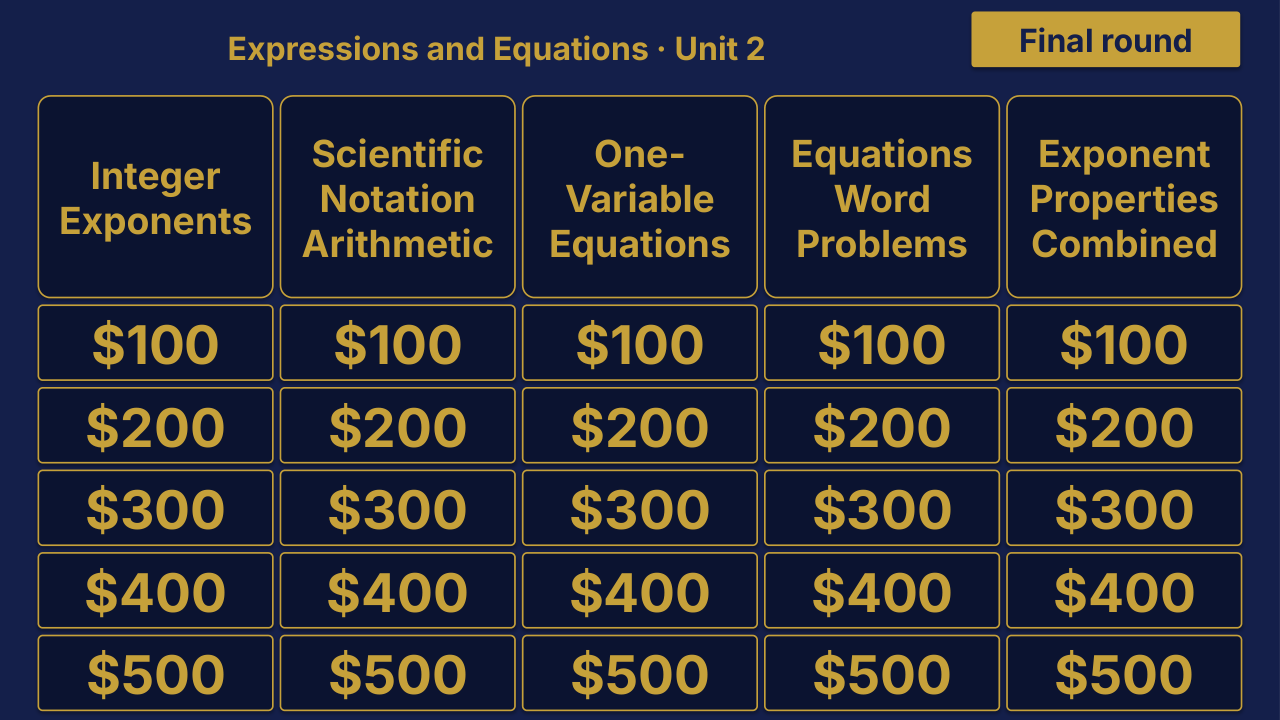
Grade 8 Math Unit 1 board menu for Number System.
Unit 1 board sample $4

Grade 8 Math Unit 1: Number System Review | Editable PowerPoint

Unit 1 · Editable PowerPoint review game

Number System

The title page and board menu do not show questions or answers.

Inside this resource

An individual Grade 8 Math Unit 1 Review Board covering Number System. Includes a PowerPoint game and printable PDF materials.

Contents and setup details
Included materials
  • Editable PPTX review game deck and a PDF slide version.
  • Teacher directions in DOCX and PDF.
  • Team score sheet in DOCX and PDF.
  • Board categories: Rational vs Irrational · Square Roots · Cube Roots · Scientific Notation Basics · Powers of Ten.
  • The PowerPoint deck includes teacher-key slides.
  • A matching free browser game covers Unit 1: Number System.
File formats
  • Digital ZIP download.
  • PPTX presentation, PDF copies, and DOCX teacher materials.
Editing your files
  • The included directions describe clues, answers, categories and values as editable live text.
  • Edit content in place and keep the existing slide order to preserve the linked navigation.
Software you will need
  • Use presentation software that opens PPTX files for the game deck, a DOCX editor for the teacher materials, and a PDF reader for the PDF copies.
  • The included directions state that the game requires no macros or extra tools to install.
  • The matching browser game can be tried without downloading the PowerPoint files.
Grade and subject
  • Catalog course: Grade 8 Math. Unit: Unit 1.
Getting ready to teach
  • Download and unzip the package.
  • The teacher directions instruct you to open the deck, start the slide show and click the board values.
  • Choose teams, give each team a score sheet, and decide the scoring rules before the first clue.
What has not been confirmed
  • Software: specific application versions and slide-link behavior in alternative presentation apps have not been tested.
  • Preparation: exact setup time, printing time and lesson duration have not been verified.
  • Standards: alignment and coverage have not been confirmed.
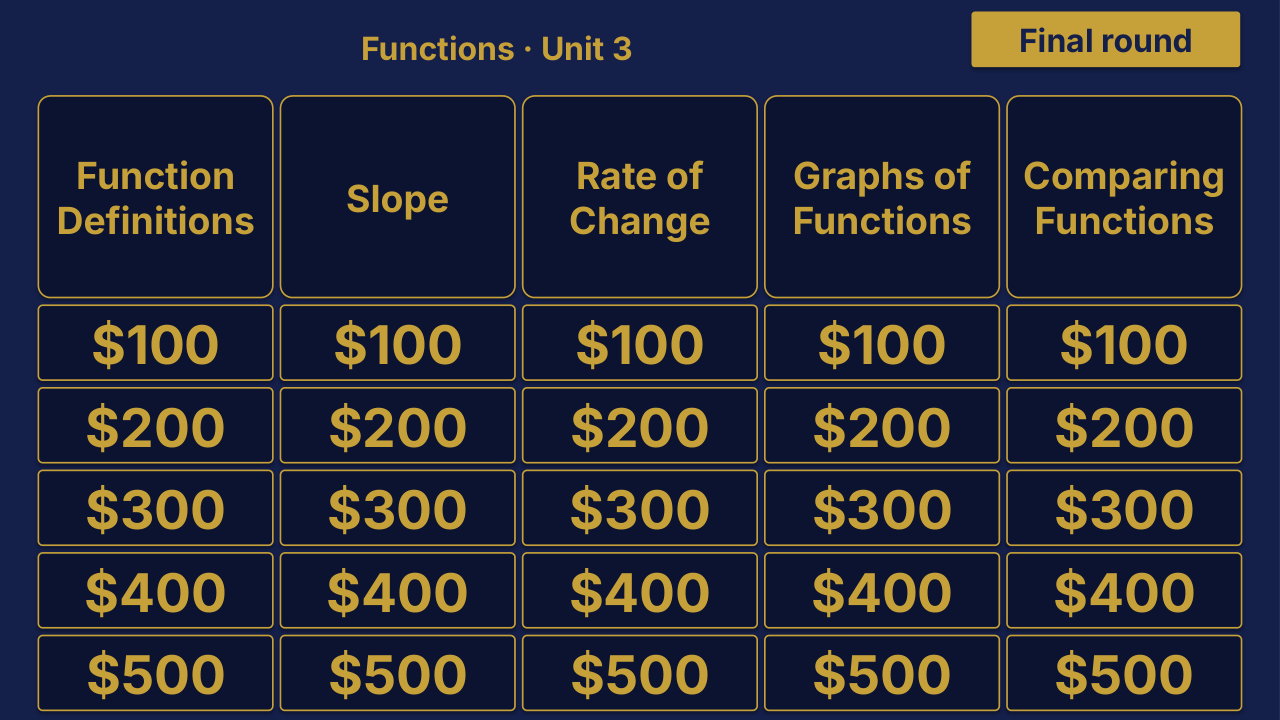
Grade 8 Math Unit 2: Expressions and Equations Review | Editable PowerPoint: original menu sample, PDF page 3.
Selected original sample $4

Original menu sample, PDF page 3.

Selected original title page and board menu from this Review Board. Questions and answers are not shown.

Inside this resource

An individual Grade 8 Math Unit 2 Review Board covering Expressions and Equations. Includes a PowerPoint game and printable PDF materials.

Contents and setup details
Included materials
  • Editable PPTX review game deck and a PDF slide version.
  • Teacher directions in DOCX and PDF.
  • Team score sheet in DOCX and PDF.
  • Board categories: Integer Exponents · Scientific Notation Arithmetic · One-Variable Equations · Equations Word Problems · Exponent Properties Combined.
  • The PowerPoint deck includes teacher-key slides.
File formats
  • Digital ZIP download.
  • PPTX presentation, PDF copies, and DOCX teacher materials.
Editing your files
  • The included directions describe clues, answers, categories and values as editable live text.
  • Edit content in place and keep the existing slide order to preserve the linked navigation.
Software you will need
  • Use presentation software that opens PPTX files for the game deck, a DOCX editor for the teacher materials, and a PDF reader for the PDF copies.
  • The included directions state that the game requires no macros or extra tools to install.
Grade and subject
  • Catalog course: Grade 8 Math. Unit: Unit 2.
Getting ready to teach
  • Download and unzip the package.
  • The teacher directions instruct you to open the deck, start the slide show and click the board values.
  • Choose teams, give each team a score sheet, and decide the scoring rules before the first clue.
What has not been confirmed
  • Software: specific application versions and slide-link behavior in alternative presentation apps have not been tested.
  • Preparation: exact setup time, printing time and lesson duration have not been verified.
  • Standards: alignment and coverage have not been confirmed.
View selected sample pages →
Grade 8 Math Unit 3: Functions Review | Editable PowerPoint: original menu sample, PDF page 3.
Selected original sample $4

Original menu sample, PDF page 3.

Selected original title page and board menu from this Review Board. Questions and answers are not shown.

Inside this resource

An individual Grade 8 Math Unit 3 Review Board covering Functions. Includes a PowerPoint game and printable PDF materials.

Contents and setup details
Included materials
  • Editable PPTX review game deck and a PDF slide version.
  • Teacher directions in DOCX and PDF.
  • Team score sheet in DOCX and PDF.
  • Board categories: Function Definitions · Slope · Rate of Change · Graphs of Functions · Comparing Functions.
  • The PowerPoint deck includes teacher-key slides.
File formats
  • Digital ZIP download.
  • PPTX presentation, PDF copies, and DOCX teacher materials.
Editing your files
  • The included directions describe clues, answers, categories and values as editable live text.
  • Edit content in place and keep the existing slide order to preserve the linked navigation.
Software you will need
  • Use presentation software that opens PPTX files for the game deck, a DOCX editor for the teacher materials, and a PDF reader for the PDF copies.
  • The included directions state that the game requires no macros or extra tools to install.
Grade and subject
  • Catalog course: Grade 8 Math. Unit: Unit 3.
Getting ready to teach
  • Download and unzip the package.
  • The teacher directions instruct you to open the deck, start the slide show and click the board values.
  • Choose teams, give each team a score sheet, and decide the scoring rules before the first clue.
What has not been confirmed
  • Software: specific application versions and slide-link behavior in alternative presentation apps have not been tested.
  • Preparation: exact setup time, printing time and lesson duration have not been verified.
  • Standards: alignment and coverage have not been confirmed.
View selected sample pages →
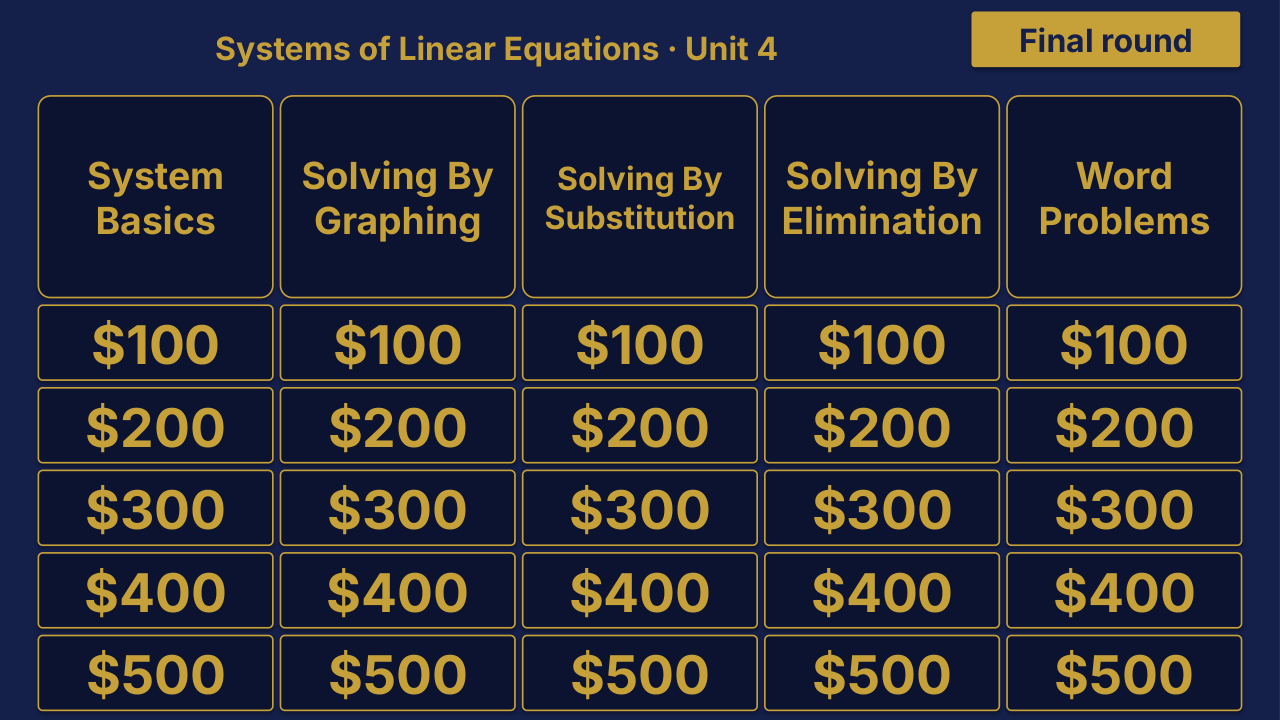
Grade 8 Math Unit 4: Systems of Linear Equations Review | Editable PowerPoint: original menu sample, PDF page 3.
Selected original sample $4

Original menu sample, PDF page 3.

Selected original title page and board menu from this Review Board. Questions and answers are not shown.

Inside this resource

An individual Grade 8 Math Unit 4 Review Board covering Systems of Linear Equations. Includes a PowerPoint game and printable PDF materials.

Contents and setup details
Included materials
  • Editable PPTX review game deck and a PDF slide version.
  • Teacher directions in DOCX and PDF.
  • Team score sheet in DOCX and PDF.
  • Board categories: System Basics · Solving by Graphing · Solving by Substitution · Solving by Elimination · Word Problems.
  • The PowerPoint deck includes teacher-key slides.
File formats
  • Digital ZIP download.
  • PPTX presentation, PDF copies, and DOCX teacher materials.
Editing your files
  • The included directions describe clues, answers, categories and values as editable live text.
  • Edit content in place and keep the existing slide order to preserve the linked navigation.
Software you will need
  • Use presentation software that opens PPTX files for the game deck, a DOCX editor for the teacher materials, and a PDF reader for the PDF copies.
  • The included directions state that the game requires no macros or extra tools to install.
Grade and subject
  • Catalog course: Grade 8 Math. Unit: Unit 4.
Getting ready to teach
  • Download and unzip the package.
  • The teacher directions instruct you to open the deck, start the slide show and click the board values.
  • Choose teams, give each team a score sheet, and decide the scoring rules before the first clue.
What has not been confirmed
  • Software: specific application versions and slide-link behavior in alternative presentation apps have not been tested.
  • Preparation: exact setup time, printing time and lesson duration have not been verified.
  • Standards: alignment and coverage have not been confirmed.
View selected sample pages →
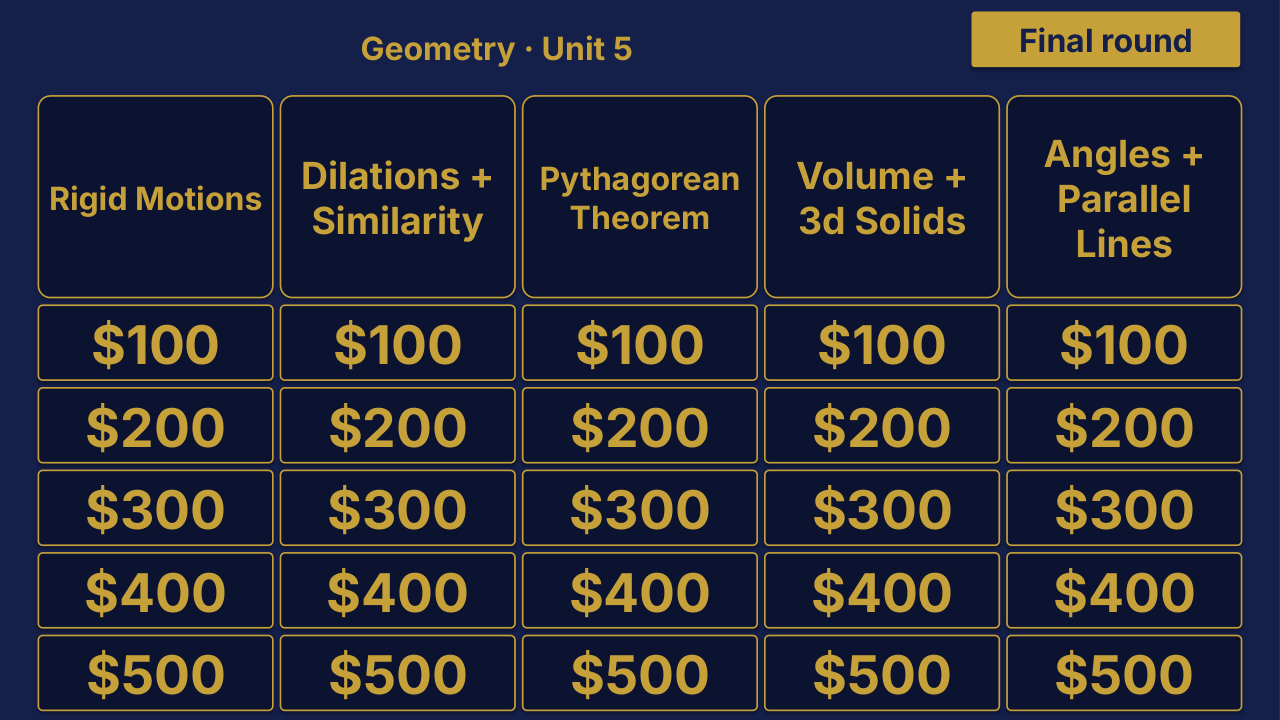
Grade 8 Math Unit 5: Geometry Review | Editable PowerPoint: original menu sample, PDF page 3.
Selected original sample $4

Original menu sample, PDF page 3.

Selected original title page and board menu from this Review Board. Questions and answers are not shown.

Inside this resource

An individual Grade 8 Math Unit 5 Review Board covering Geometry. Includes a PowerPoint game and printable PDF materials.

Contents and setup details
Included materials
  • Editable PPTX review game deck and a PDF slide version.
  • Teacher directions in DOCX and PDF.
  • Team score sheet in DOCX and PDF.
  • Board categories: Rigid Transformations · Dilations + Similarity · Pythagorean Theorem · Volume + 3D Solids · Angles + Parallel Lines.
  • The PowerPoint deck includes teacher-key slides.
File formats
  • Digital ZIP download.
  • PPTX presentation, PDF copies, and DOCX teacher materials.
Editing your files
  • The included directions describe clues, answers, categories and values as editable live text.
  • Edit content in place and keep the existing slide order to preserve the linked navigation.
Software you will need
  • Use presentation software that opens PPTX files for the game deck, a DOCX editor for the teacher materials, and a PDF reader for the PDF copies.
  • The included directions state that the game requires no macros or extra tools to install.
Grade and subject
  • Catalog course: Grade 8 Math. Unit: Unit 5.
Getting ready to teach
  • Download and unzip the package.
  • The teacher directions instruct you to open the deck, start the slide show and click the board values.
  • Choose teams, give each team a score sheet, and decide the scoring rules before the first clue.
What has not been confirmed
  • Software: specific application versions and slide-link behavior in alternative presentation apps have not been tested.
  • Preparation: exact setup time, printing time and lesson duration have not been verified.
  • Standards: alignment and coverage have not been confirmed.
View selected sample pages →
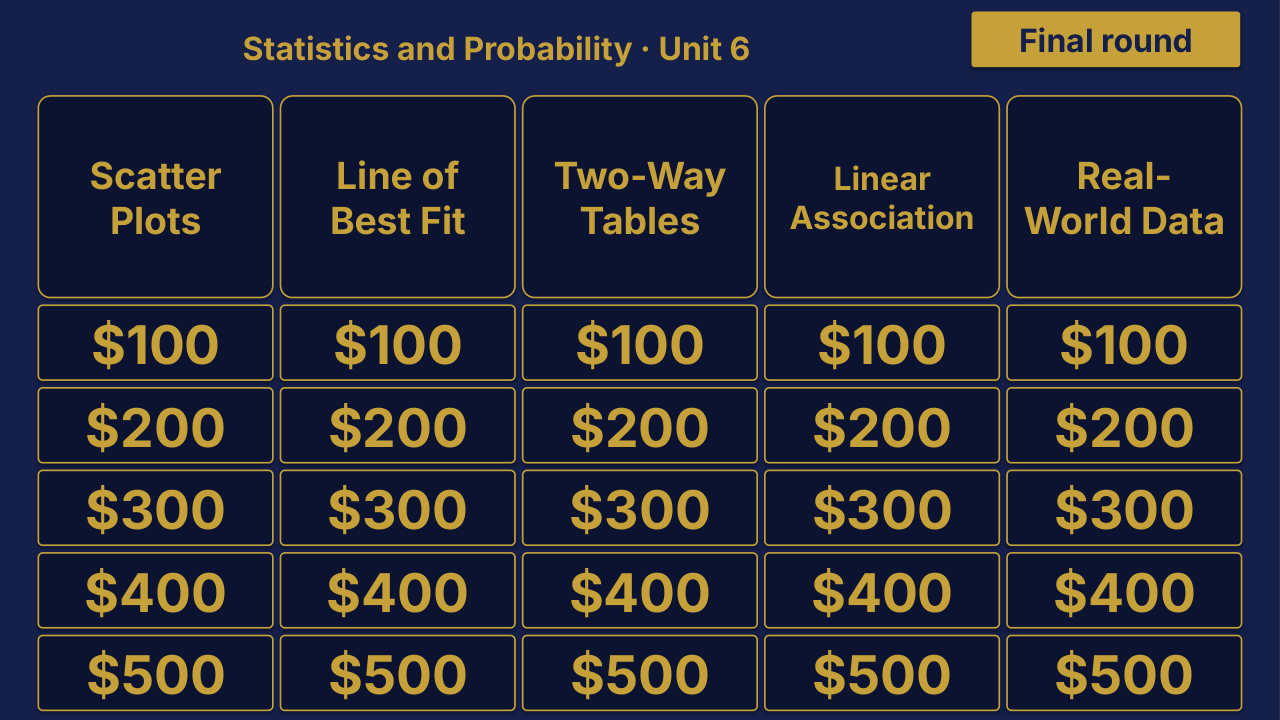
Grade 8 Math Unit 6: Statistics and Probability Review | Editable PowerPoint: original menu sample, PDF page 3.
Selected original sample $4

Original menu sample, PDF page 3.

Selected original title page and board menu from this Review Board. Questions and answers are not shown.

Inside this resource

An individual Grade 8 Math Unit 6 Review Board covering Statistics and Probability. Includes a PowerPoint game and printable PDF materials.

Contents and setup details
Included materials
  • Editable PPTX review game deck and a PDF slide version.
  • Teacher directions in DOCX and PDF.
  • Team score sheet in DOCX and PDF.
  • Board categories: Scatter Plots · Line of Best Fit · Two-Way Tables · Linear Association · Real-World Data.
  • The PowerPoint deck includes teacher-key slides.
File formats
  • Digital ZIP download.
  • PPTX presentation, PDF copies, and DOCX teacher materials.
Editing your files
  • The included directions describe clues, answers, categories and values as editable live text.
  • Edit content in place and keep the existing slide order to preserve the linked navigation.
Software you will need
  • Use presentation software that opens PPTX files for the game deck, a DOCX editor for the teacher materials, and a PDF reader for the PDF copies.
  • The included directions state that the game requires no macros or extra tools to install.
Grade and subject
  • Catalog course: Grade 8 Math. Unit: Unit 6.
Getting ready to teach
  • Download and unzip the package.
  • The teacher directions instruct you to open the deck, start the slide show and click the board values.
  • Choose teams, give each team a score sheet, and decide the scoring rules before the first clue.
What has not been confirmed
  • Software: specific application versions and slide-link behavior in alternative presentation apps have not been tested.
  • Preparation: exact setup time, printing time and lesson duration have not been verified.
  • Standards: alignment and coverage have not been confirmed.
View selected sample pages →